2N® Indoor View User Manual
Status and Description User Actions Navigation Actions and Results
Incoming Call with
Parental Lock On
The device is playing the selected ringtone. The display shows a
preview from the camera, if available, identification of the caller
and the message Incoming Call. After pressing the display, an
instruction is displayed prompting the user to deactivate the
parental lock. A preview of the call is shown in the background.
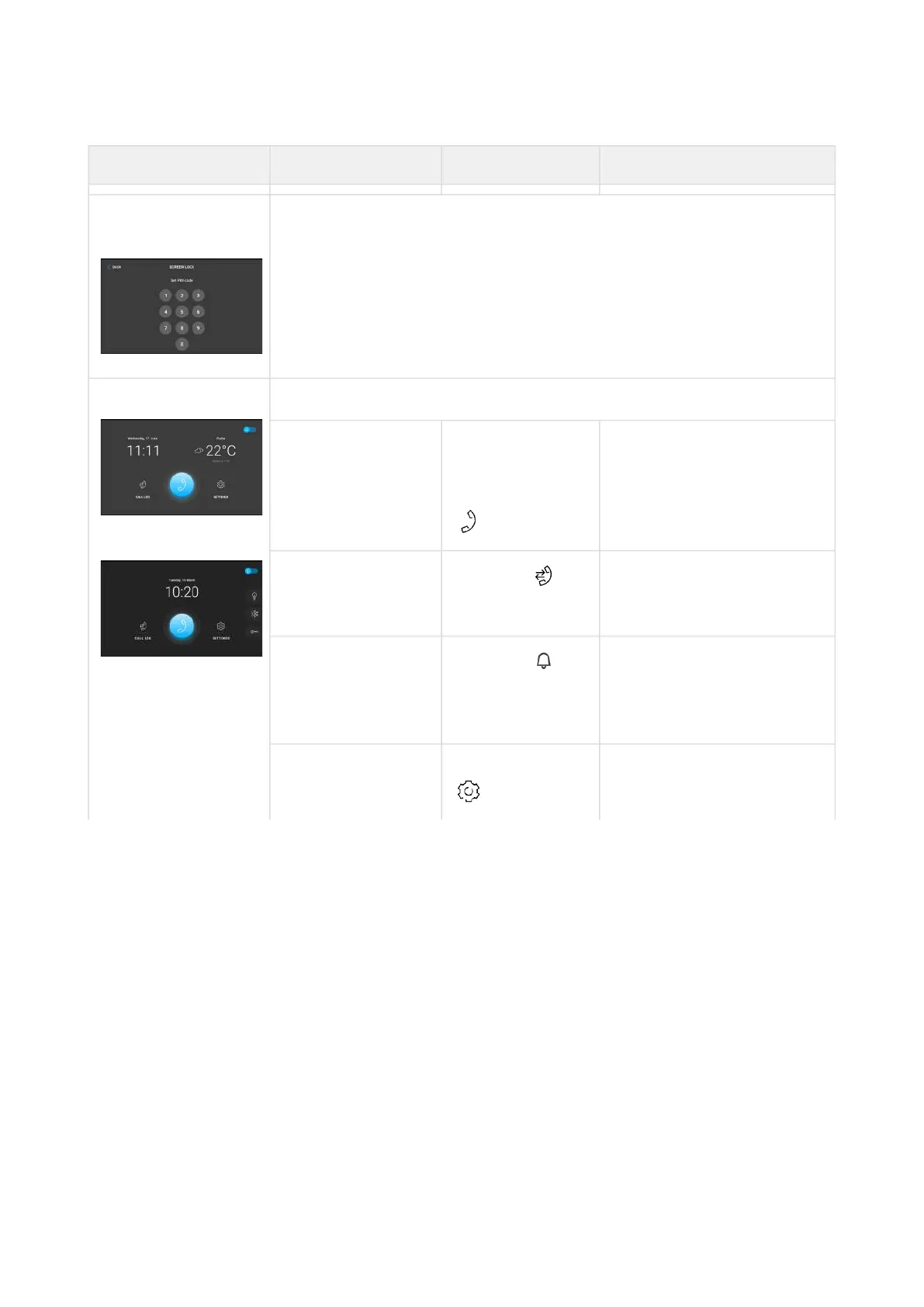
Home Page The device is in the relax mode.
Display Directory Press the blue
backlit phone
earpiece button
The list of all available
devices is displayed.
Display Call list
Press the
button
The list of all accomplished
calls is displayed.
Activate DND mode
Press the
button in the top
right corner
DND is activated and the
activation message is
displayed.
Display Settings Button pressed The Settings section is
displayed.



 To Next Page