2N® Indoor View User Manual
5. Operational Statuses
This section describes the user scenarios and states that may occur during operation, including
the user options and expected results of actions.
Status and Description User Actions Navigation Actions and Results
The display need not show any elements. Date and time, the
current weather information and door contact state can be
displayed in the Sleep mode if configured so.
End relax mode Touch of the
display.
Home page/parental lock is
displayed.
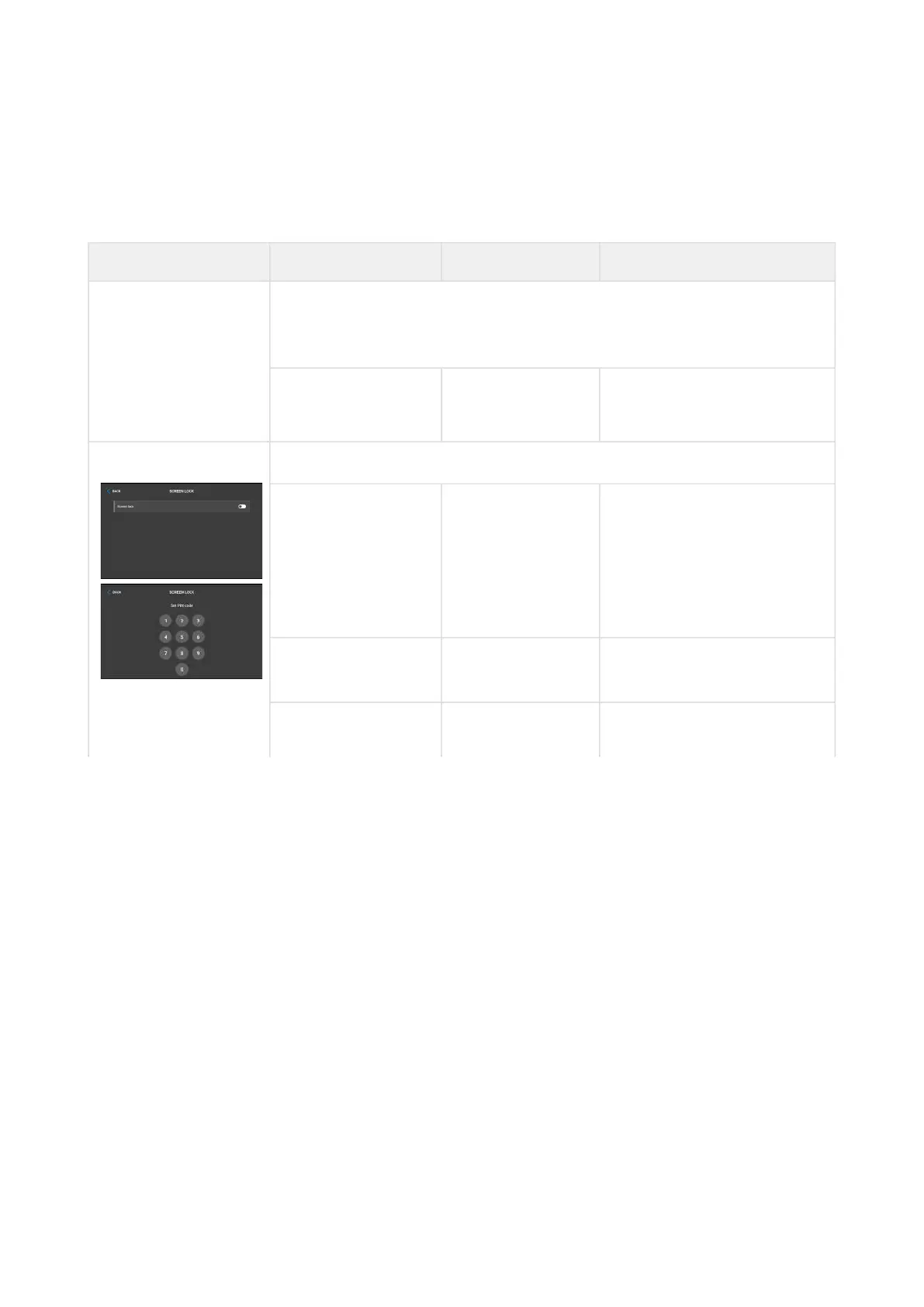
Parental Lock The device shows the instruction "Enter PIN code " and codelist.
Parental lock
settings
Activation of the
function and
setting of the 4-
digit PIN code
with subsequent
confirmation
Parental lock is activated.
Deactivate
parental lock
Correct PIN
entering
Device is unlocked.
Enter invalid PIN PIN mistyping The PIN code reentering
command is displayed.



 To Next Page