2N® Indoor View User Manual
•
•
•
•
The device automatically goes into the Sleep mode if there is no activity (select a timeout
between 15 s and 10 min). In this mode, the device only shows the date, time and current
weather.
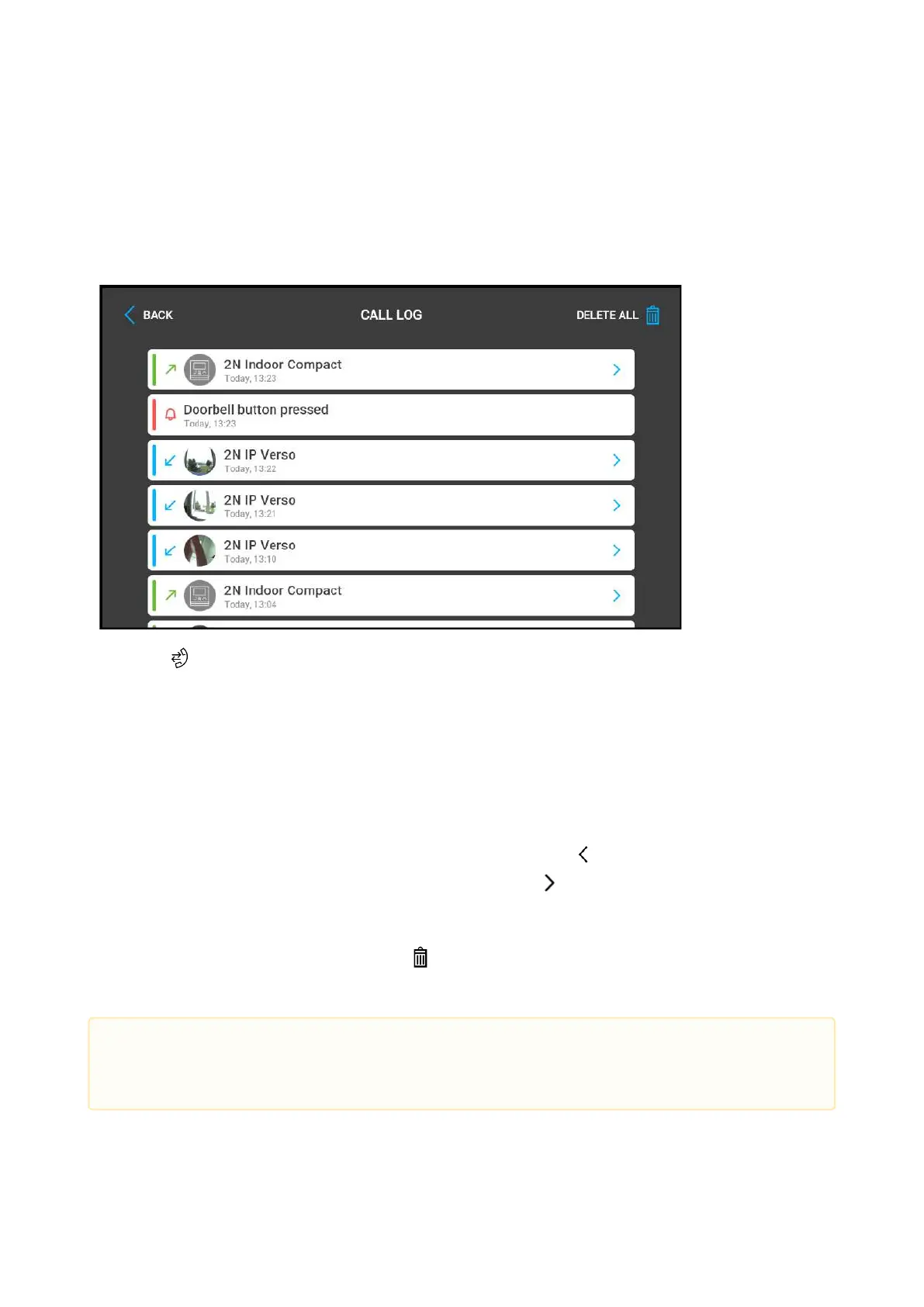
4.1 Call Log
Press the button to display the Call list. The menu provides a list of all accomplished calls
including date, time, status (outgoing/incoming/missed) and information on from/to which
destination the call was made. The maximum call count is 20. The device configuration allows
the door contact state (door open too long, door open by force) to be displayed on the call log
list and detail.
You can choose any of the following actions from the 2N
®
Indoor Viewcall list:
Return to Home page using the left-hand upper button .
Display detail of the call which was made using the button. Display the camera
snapshots if available, caller's ID and call time.
Move upand down through the list by a finger swipe.
Delete all recordsby pressing the button.
•
Caution
The device restart results in a deletion of the call list.



 To Next Page