2N® Indoor View User Manual
2N
®
IP Network Scanner IP Address Change
2.5 IP Address Lookup
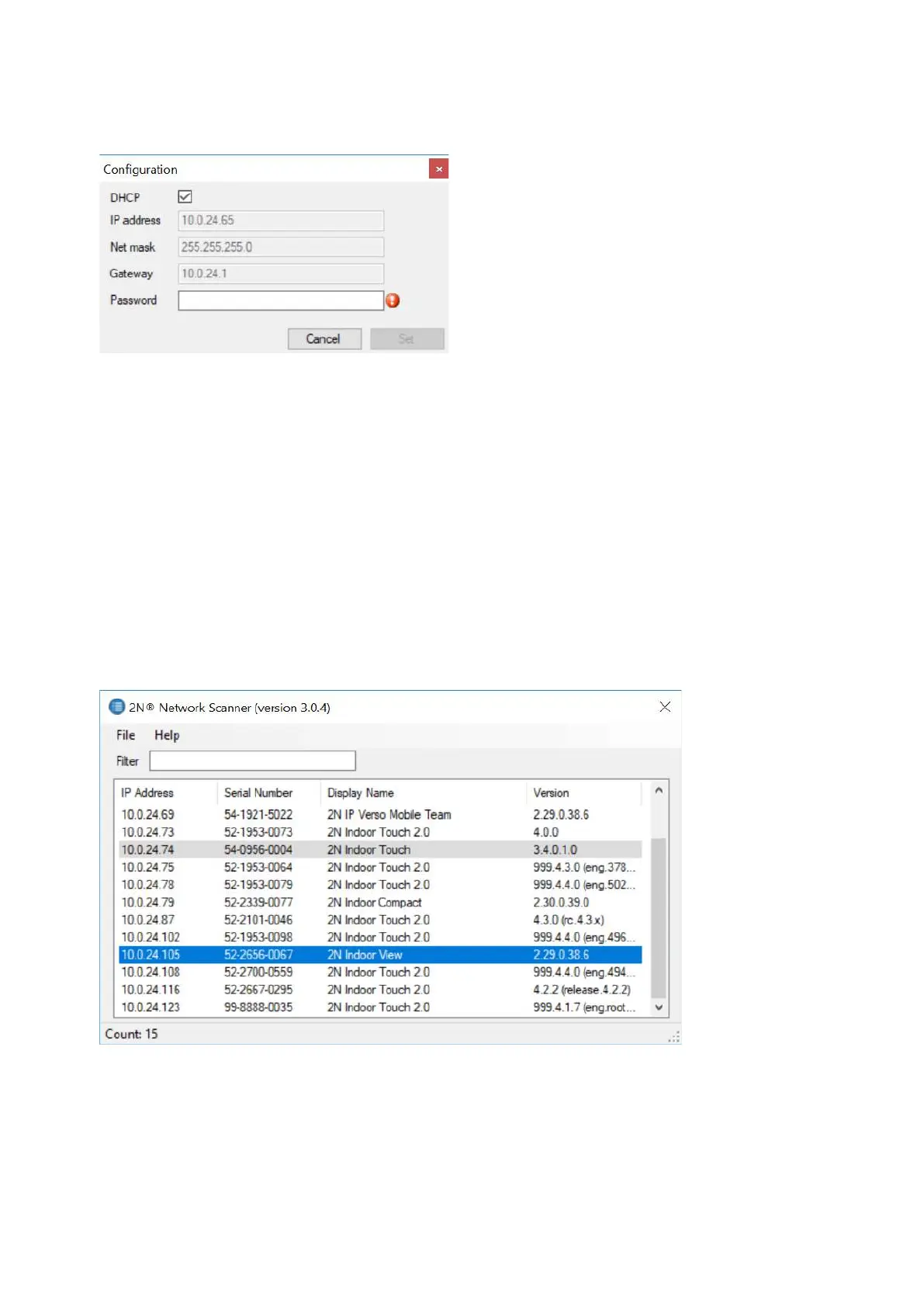
To look up the device IP address, take the following steps: Use the free 2N
®
Network Scanner
application or view the information on the device display.
To find the 2N
®
Indoor View IP address via the 2N
®
Network Scanner, follow the steps
mentioned in the previous subsection, 2.4 2N
®
Indoor View LAN Location via 2N
®
Network
Scanner.Once started, the application begins to automatically search for all the 2N IP
intercoms in the LAN including their smart extensions (2N
®
Indoor View,2N
®
Indoor
Compact,2N
®
Indoor Talk,2N
®
Indoor Touch), which are DHCP/statically assigned IP
addresses. All the devices are displayed in a table including the IP addresses assigned to them.
To find the 2N
®
Indoor View IP address using the display, press any key on the display to quit
the sleep mode. The Settings menu is displayed on the home screen after pressing the settings



 To Next Page