2N® Indoor View User Manual
•
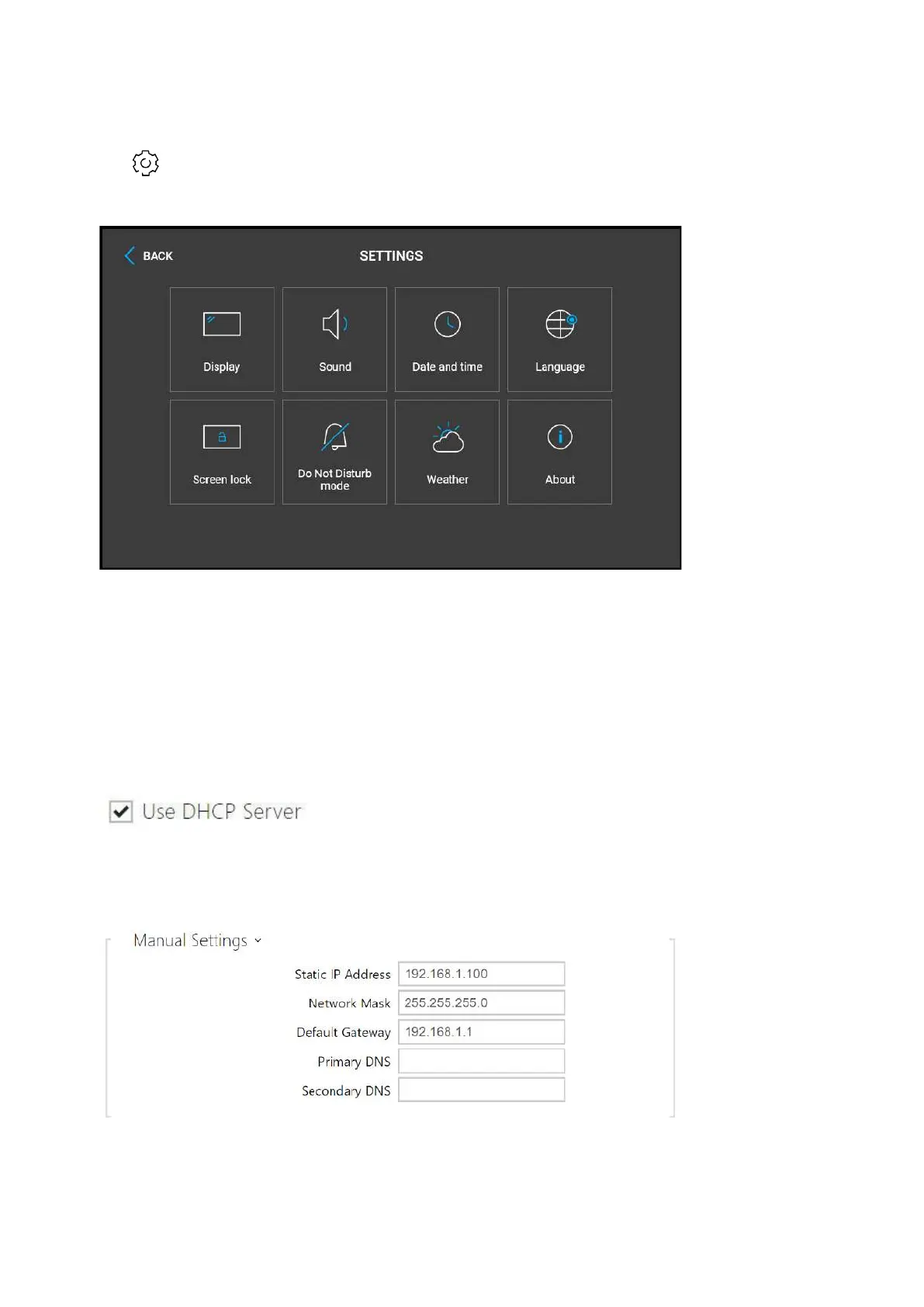
icon in the bottom right corner. Find the IP address information in the Settings / About
device menu.
Dynamic/Static IP Address Switching
2N
®
Indoor View is connected to the LAN and has to be assigned a valid IP address or obtain the
IP address from the LAN DCHP server. Configure the IP address and DHCP in the System /
Network menu.
Use DHCP server – enable automatic obtaining of the IP address from the LAN DHCP
server. If there is no DHCP server or the DHCP cannot be used in your network, use the
manual network setting.



 To Next Page