2N® Indoor View User Manual
Status and Description User Actions Navigation Actions and Results
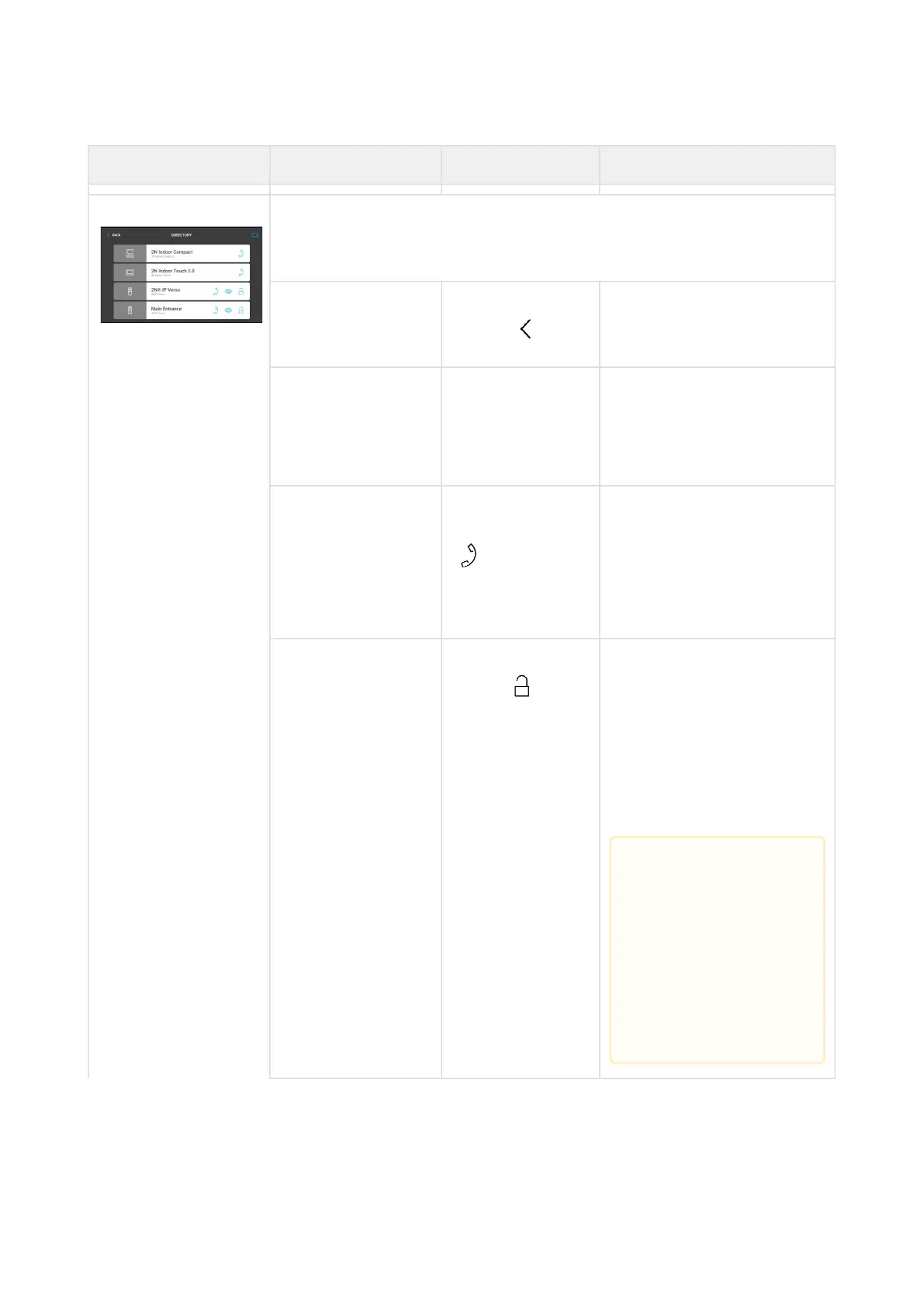
Directory The device displays a list of destinations that can be called. The
destinations include their names and the device type they are
equipped with.
Return to Home
page
Press the back
button
The Home page is
displayed.
Scroll up and down
in directory
Touch the display
with your finger
and slide up/
down
The list scrolls up or down
the items. Once the end of
the list has been reached,
scrolling stops.
Outgoing Call Press the call
receiving button
in the row of
the selected
device
The device gets in the In
call mode.
Door unlocking Press the lock
button
A call is set up or not
depending on the
connection type and the
door is unlocked. If
automatic call end after
unlocking is enabled, the
call is ended after door
unlocking.
•
Caution
If no unlocking
code is set in the
device and no
Default unlock
code is set, the
lock button is
not displayed.



 To Next Page