2N® Indoor View User Manual
Status and Description User Actions Navigation Actions and Results
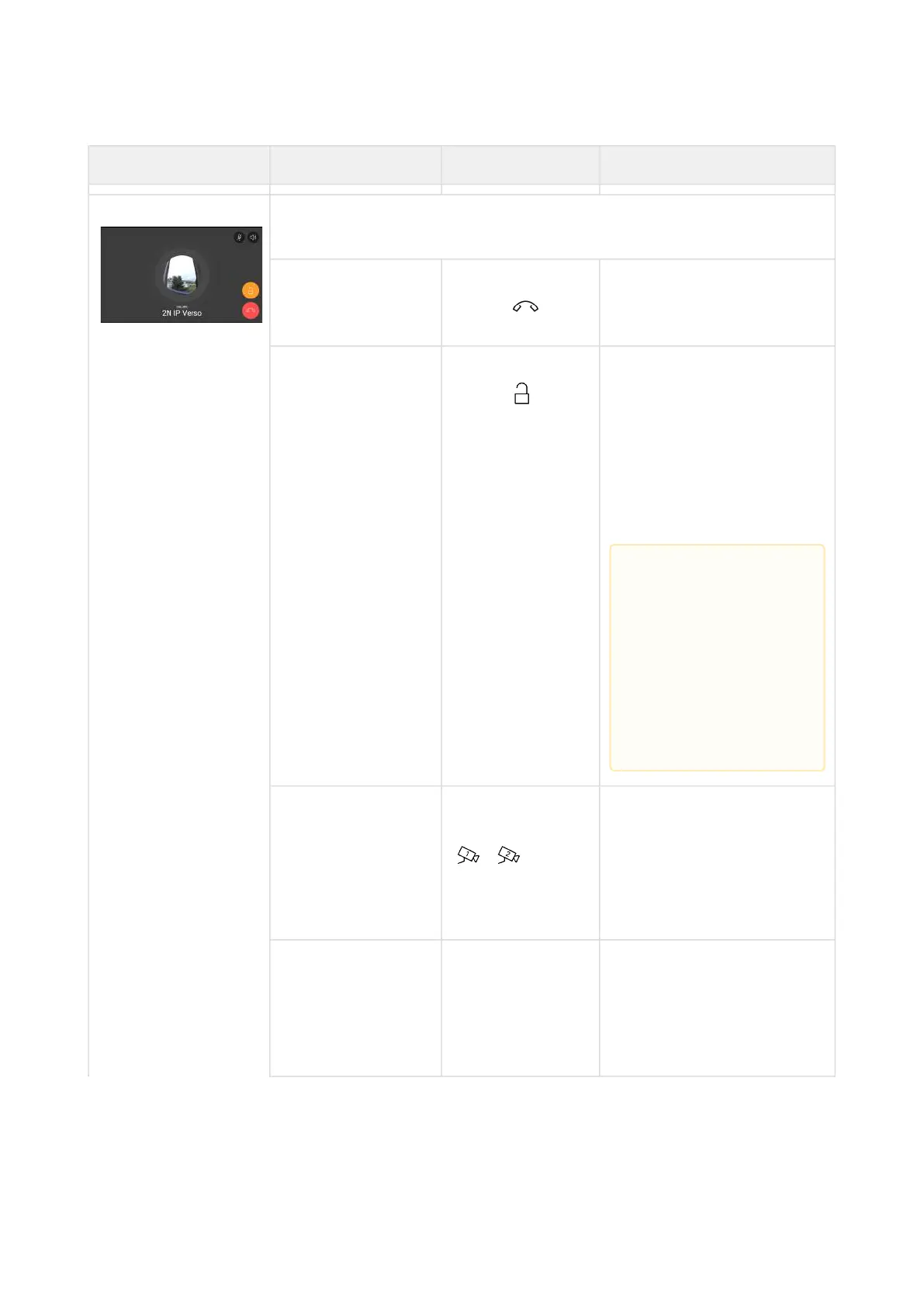
Outgoing Call The device is playing the ringtone. The display shows the camera
view if available, called device ID and Outgoing call message.
End call Press the call end
button
The outgoing call is
discontinued and Home
page is returned to.
Door unlocking Press the lock
button
A call is set up or not
depending on the
connection type and the
door is unlocked. If
automatic call end after
unlocking is enabled, the
call is ended after door
unlocking.
Switch camera Press the camera
switching button
/
The display shows a
preview from the other
camera, identification of
the device being called to
and the message Incoming
Call.
Reject call The call is
rejected by the
called device, not
the 2N
®
Indoor
View user.
The display shows Call
rejected, the call is
terminated and Home page
is returned to.
•
Caution
If no unlocking
code is set in the
device and no
Default unlock
code is set, the
lock button is
not displayed.



 To Next Page