2N® Indoor View User Manual
Status and Description User Actions Navigation Actions and Results
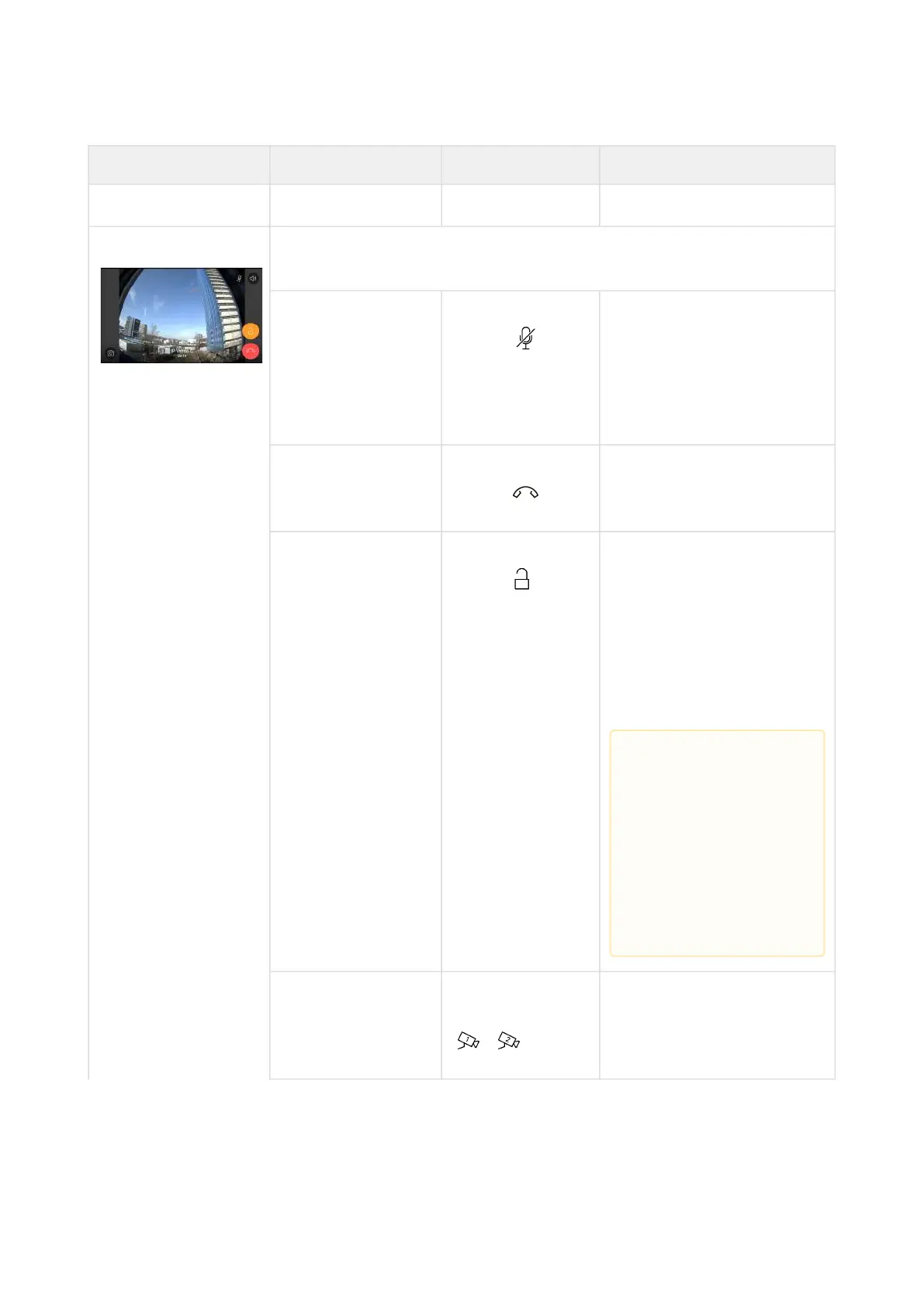
In Call The display shows the camera view if available, or the called
device ID if no camera is available. A timer is running at the view.
Mute call Press the Mute
button
The device is in the In call
mode but sound is not
transferred to the calling
device. The Mute icon turns
red. "No one hears you"
message is displayed.
End call Press the call end
button
The outgoing call is
discontinued and Home
page is returned to.
Door unlocking Press the lock
button
A call is set up or not
depending on the
connection type and the
door is unlocked. If
automatic call end after
unlocking is enabled, the
call is ended after door
unlocking.
Switch camera Press the camera
switching button
/
The display shows the
camera 2 view, called
device ID and timer.
•
Caution
If no unlocking
code is set in the
device and no
Default unlock
code is set, the
lock button is
not displayed.



 To Next Page