2N® Indoor View User Manual
1.
2.
3.
2N
®
Network Scanner Description
The application helps find the IP addresses of all the 2N
®
Indoor View devices in the LAN.
Download the app from the 2N web sites (www.2n.com). Make sure that Microsoft .NET
Framework 2.0 is installed for successful app installation.
Run the 2N
®
Network Scanner.
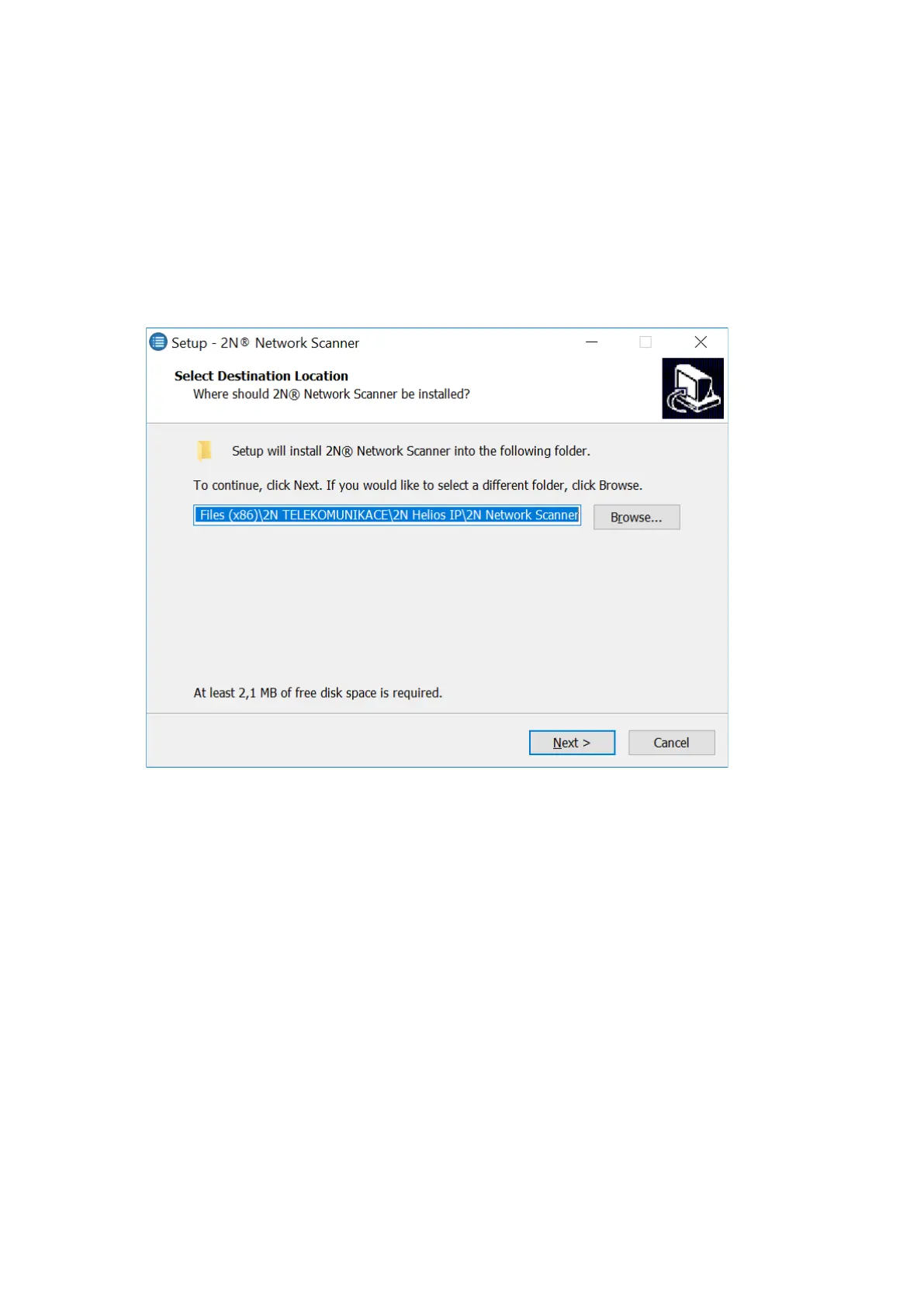
Use the Setup Wizard for successful installation.
Setup Wizard application 2N
®
IP Network Scanner
Having installed the 2N
®
IP Network Scanner, start the application using the Microsoft
Windows Start menu.
Once started, the application begins to automatically search for all the 2N IP intercoms in the
LAN including their smart extensions (2N
®
Indoor View,2N
®
Indoor Compact,2N
®
Indoor
Talk,2N
®
Indoor Touch), which are DHCP/statically assigned IP addresses. All the devices are
displayed in a table



 To Next Page