2N® Indoor View User Manual
•
•
•
Audio
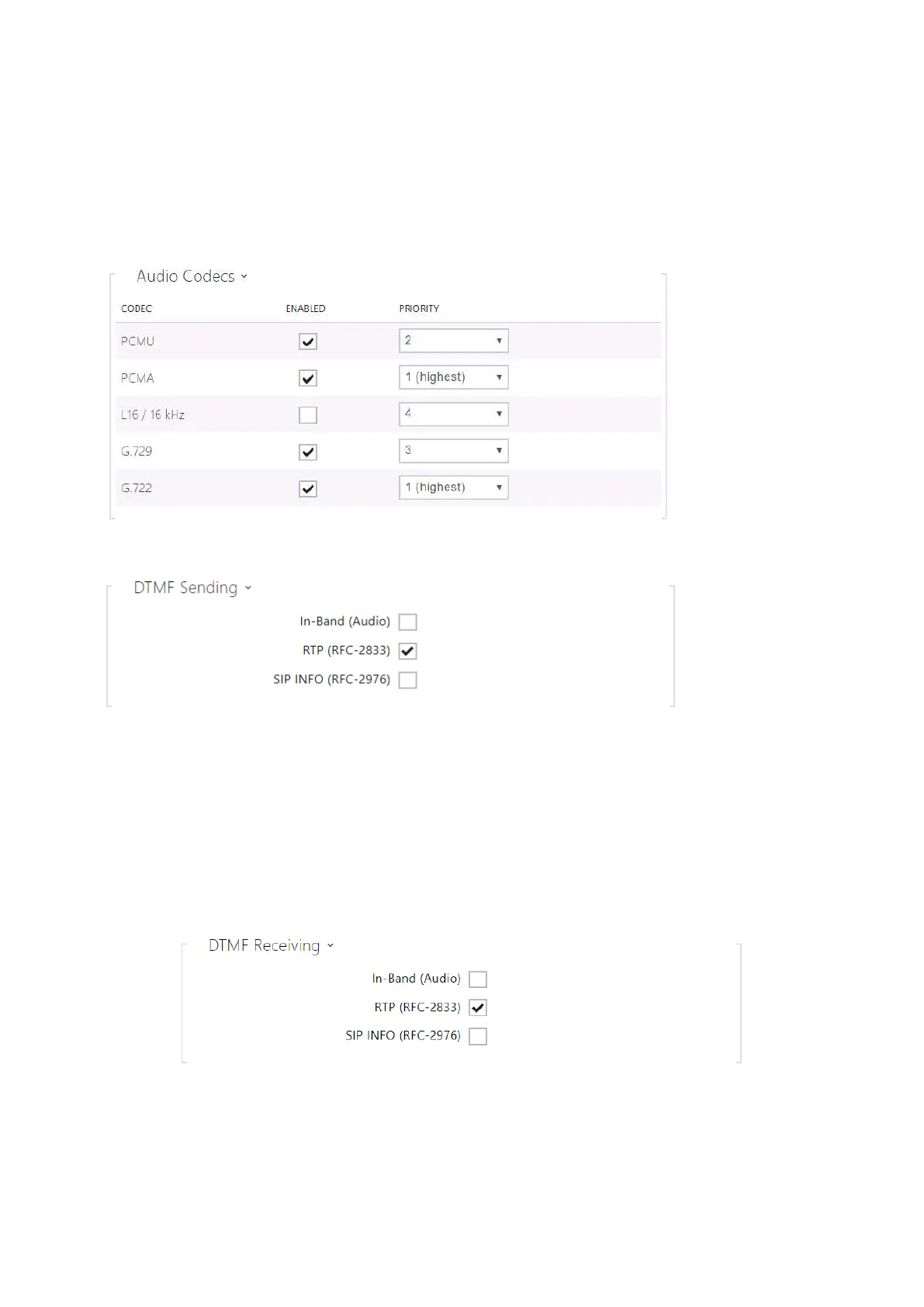
Enable/disable the use of audio codecs for call setups and set their priorities.
The tab below helps you define how DTMF characters shall be sent from the intercom. Check the
opponent’s DTMF receiving options and settings to make the function work properly.
In-Band (Audio) – enable the classic method of sending DTMF in the audio band using
standardized dual tones.
RTP (RFC-2833) – enable DTMF sending via the RTP according to RFC-2833.
SIP INFO (RFC-2976) – enable DTMF sending via SIP INFO messages according to
RFC-2976.
The tab below helps you define how DTMF characters shall be received from the intercom.
Check the opponent’s DTMF receiving options and settings to make the function work properly.



 To Next Page