2N® Indoor View User Manual
•
•
•
•
•
•
801.1x
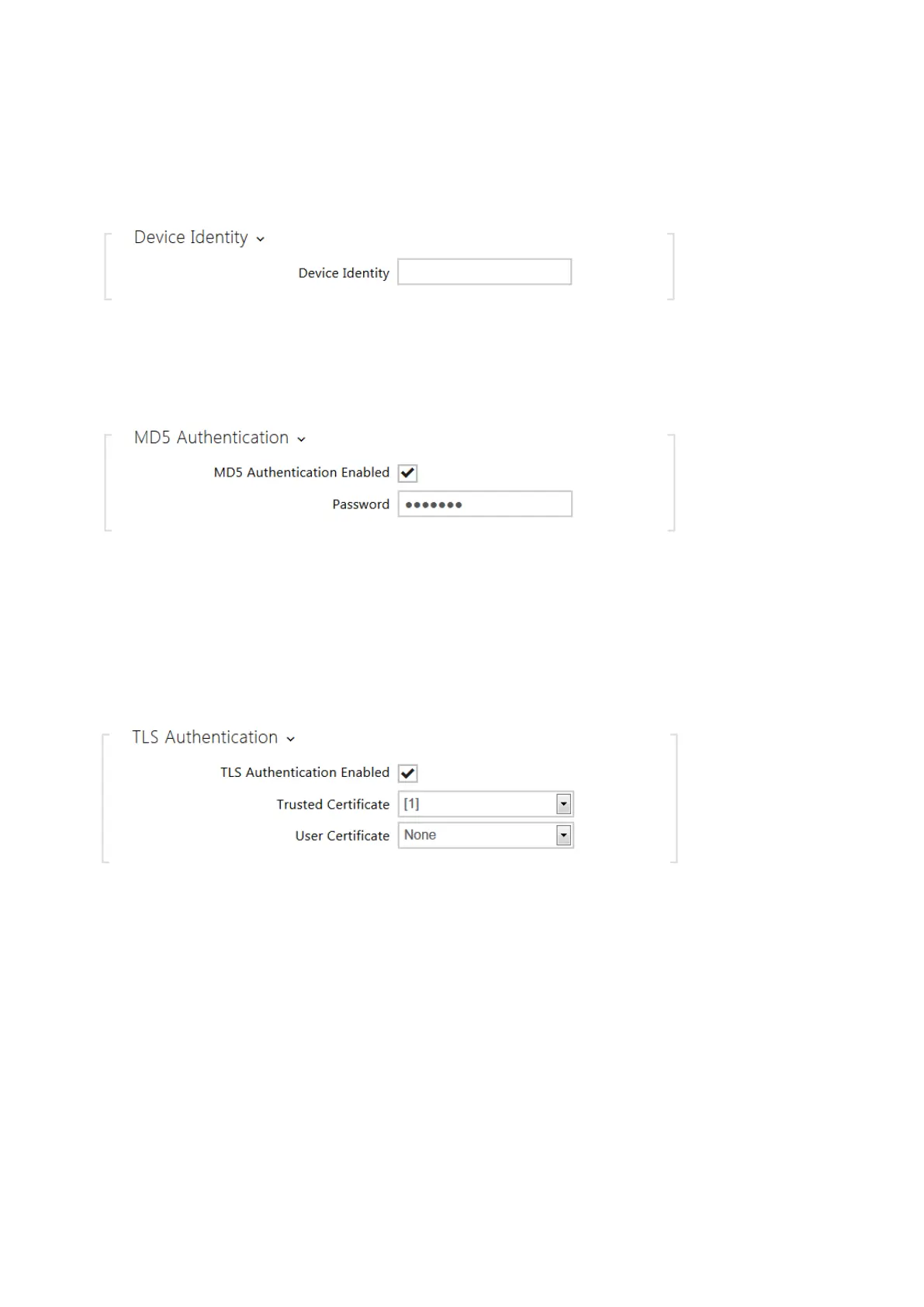
Device Identity– username (identity) for authentication via EAP-MD5 and EAP-TLS.
MD5 Authentication Enabled– enable authentication of network devices via the 802.1x
EAP-MD5 protocol. Do not enable this function if your LAN does not support 802.1x. If you
do so, the intercom will become inaccessible.
Password– enter the access password for EAP-MD5 authentication.
TLS Authentication Enabled– enable authentication of network devices via the 802.1x
EAP-TLS protocol. Do not enable this function if your LAN does not support 802.1x. If you
do so, the intercom will become inaccessible.
Trusted Certificate– specify the set of trusted certificates for verification of the RADIUS
server public certificate validity. Choose one of three sets of certificates; refer to the
Certificates subsection. If no trusted certificate is included, the RADIUS public certificate is
not verified.
User Certificate– specify the user certificate and private key for verification of the
intercom authorisation to communicate via the 802.1x-securednetwork element port in



 To Next Page