2N® Indoor View User Manual
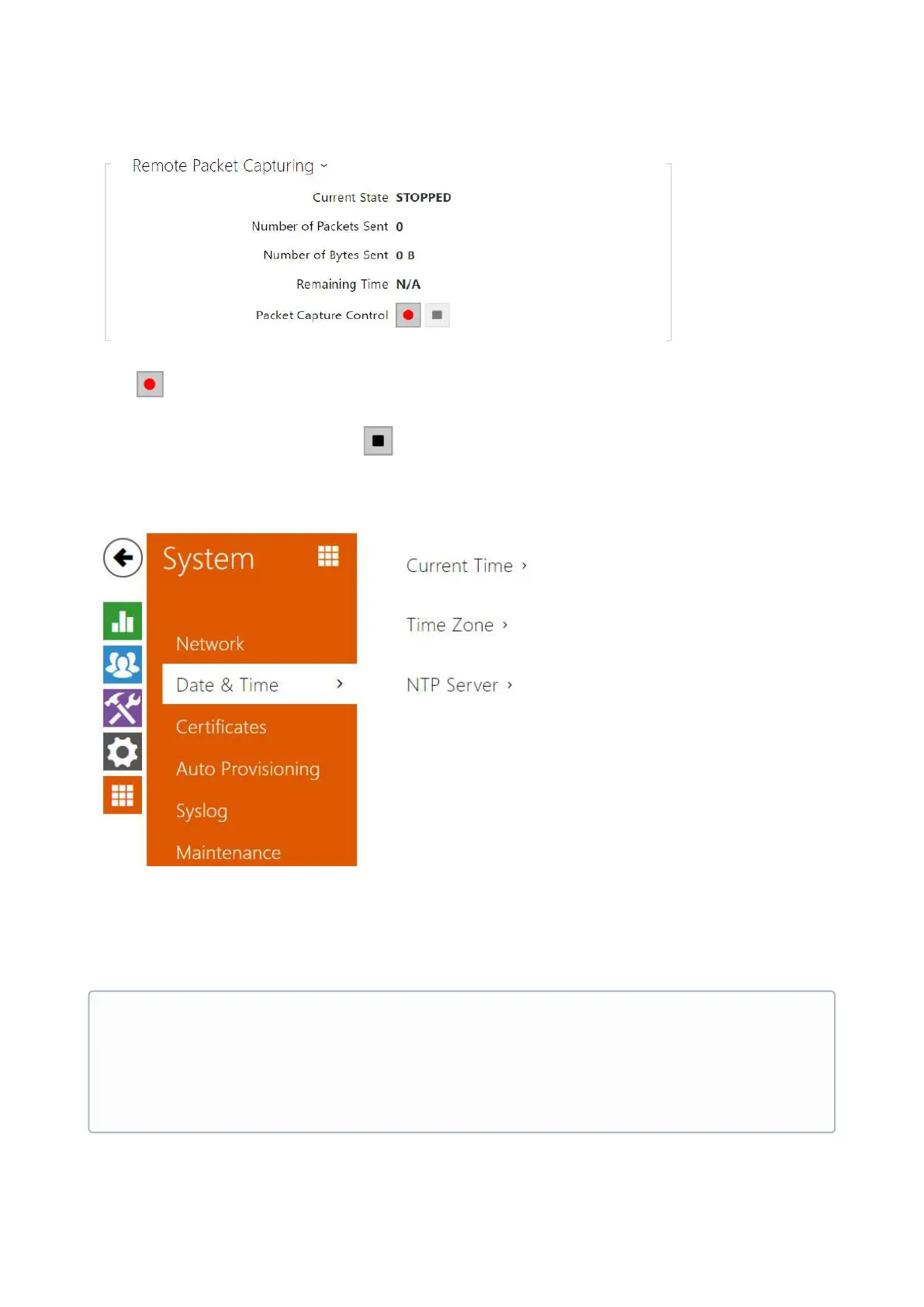
Press to start remote capturing. Specify the capturing time interval (s)for the incoming and
outgoing packets. When the set time value passes, the packet capture file will be downloaded
automatically to the user PC.Press to stop capturing.
3.2.5.2 Date and Time
2N
®
Indoor View is equipped with a real time clock without backup for power outages.
SelectUse time from Internetto synchronize2N
®
Indoor Viewtime with the internet time or
clickSynchronize with browserto synchronize the intercom time with your current PC time.
•
Note
A correct date/time value is unnecessary for the basic function of 2N
®
Indoor View
but crucial for a proper function of time profiles and correct event times in variable
lists (Syslog, Entered cards, Logs downloaded via HTTP API, etc.).



 To Next Page