2N® Indoor View User Manual
•
•
•
•
•
•
List of Parameters
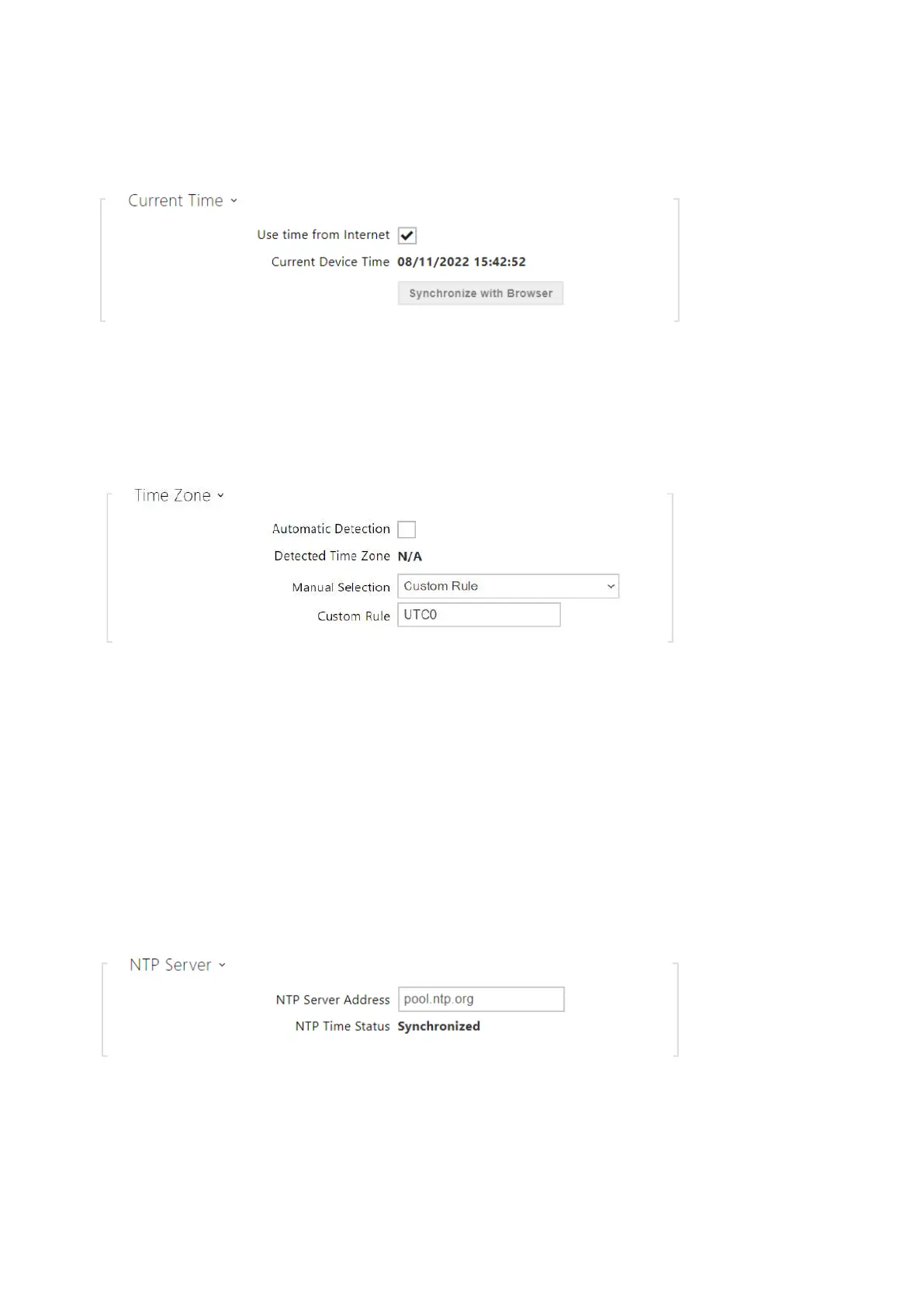
Use time from Internet– Enable the NTP server use for device time synchronization.
Synchronize with browser – click the button to synchronize the device time with your
current PC time value.
Automatic Detection– define whether the time zone shall be detected automatically
from My2N. In case automatic detection is disabled, the Manual selection parameter is
Used (manually selected time zone or Own rule).
Detected Time Zone– display the automatically found time zone. In case the function is
unavailable or disabled, N/A is displayed.
Manual Selection– set the installation site time zone. Set the time shift and summer/
winter time transitions.
Custom Rule– if the device is installed on a site that it not included in the Time Zone
parameter, set the time zone rule manually. The rule is applied only if the Time Zone
parameter is set to Manual.



 To Next Page