2N® Indoor View User Manual
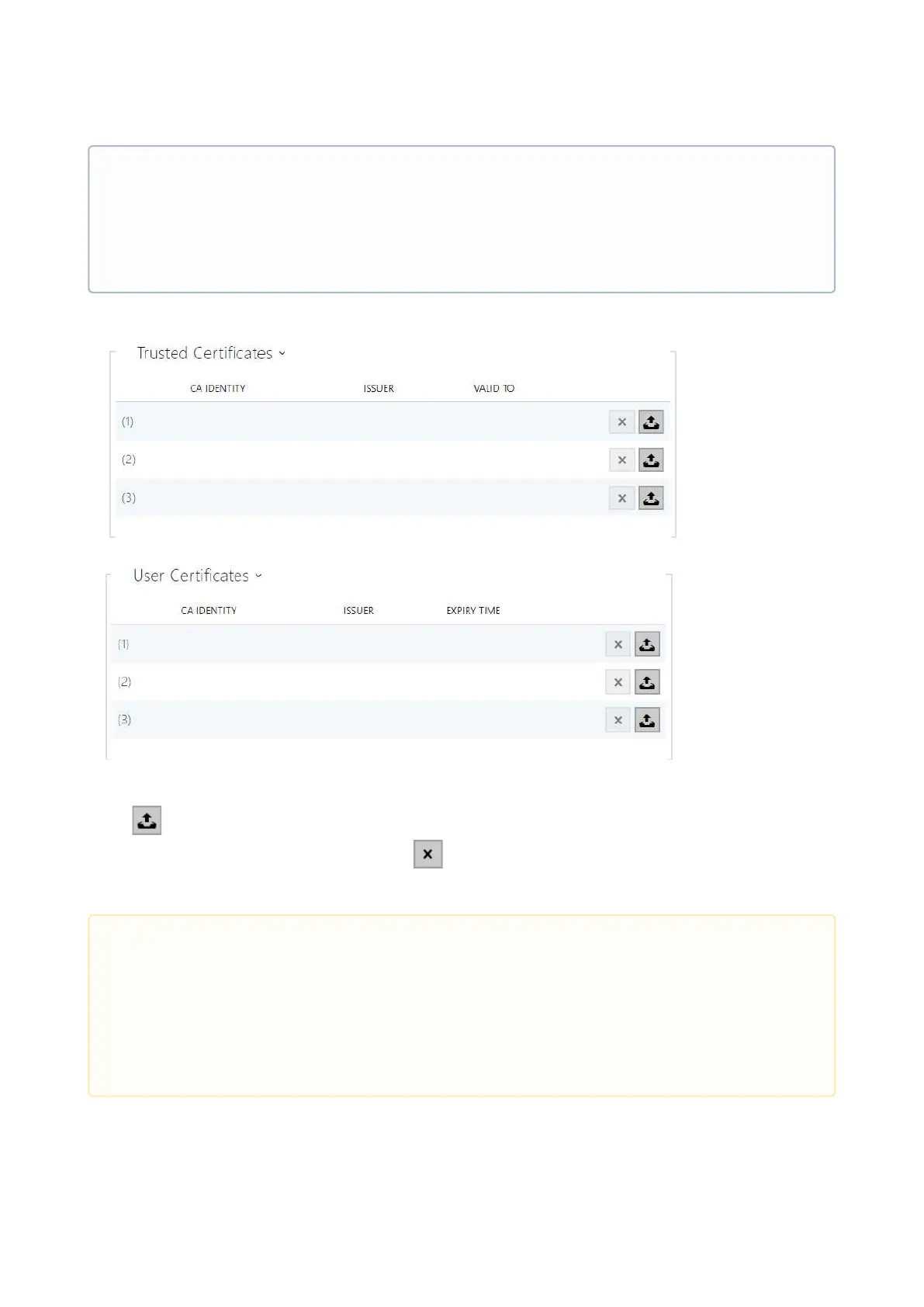
Refer to the tables below for the current list of trusted and user certificates:
Click to upload a certificate saved on your PC. Select the certificate (or private key) file in a
dialogue window and click Upload. Press to remove a certificate from 2N
®
Indoor VIew.
•
Note
If you use the Self Signed certificate for encryption, the 2N
®
Indoor View web server –
browser communication is secure, but the browser notifies you that it cannot
authenticate the 2N
®
Indoor View certificate.
•
•
Caution
Note that a certificate with a private RSA key longer than 2048 bits may be
rejected :
The private key file or password has not been accepted by the device!
For certificates based on elliptic curves use the secp256r1 (aka prime256v1 aka
NIST P-256) and secp384r1 (aka NIST P-384) curves only.



 To Next Page