2N® Indoor View User Manual
•
•
•
•
•
•
Next Synchronization in – display the time period in which the device shall contact a
remote ACS.
Connection Status – display the current ACS connection state or error state description if
necessary.
Communication Status Detail – server communication error code or HTTP status code.
Connection test – test the TR069 connection according to the set profile, see the Active
profile. The test result is displayed in the Connection status.
3.2.5.5 Syslog
2N
®
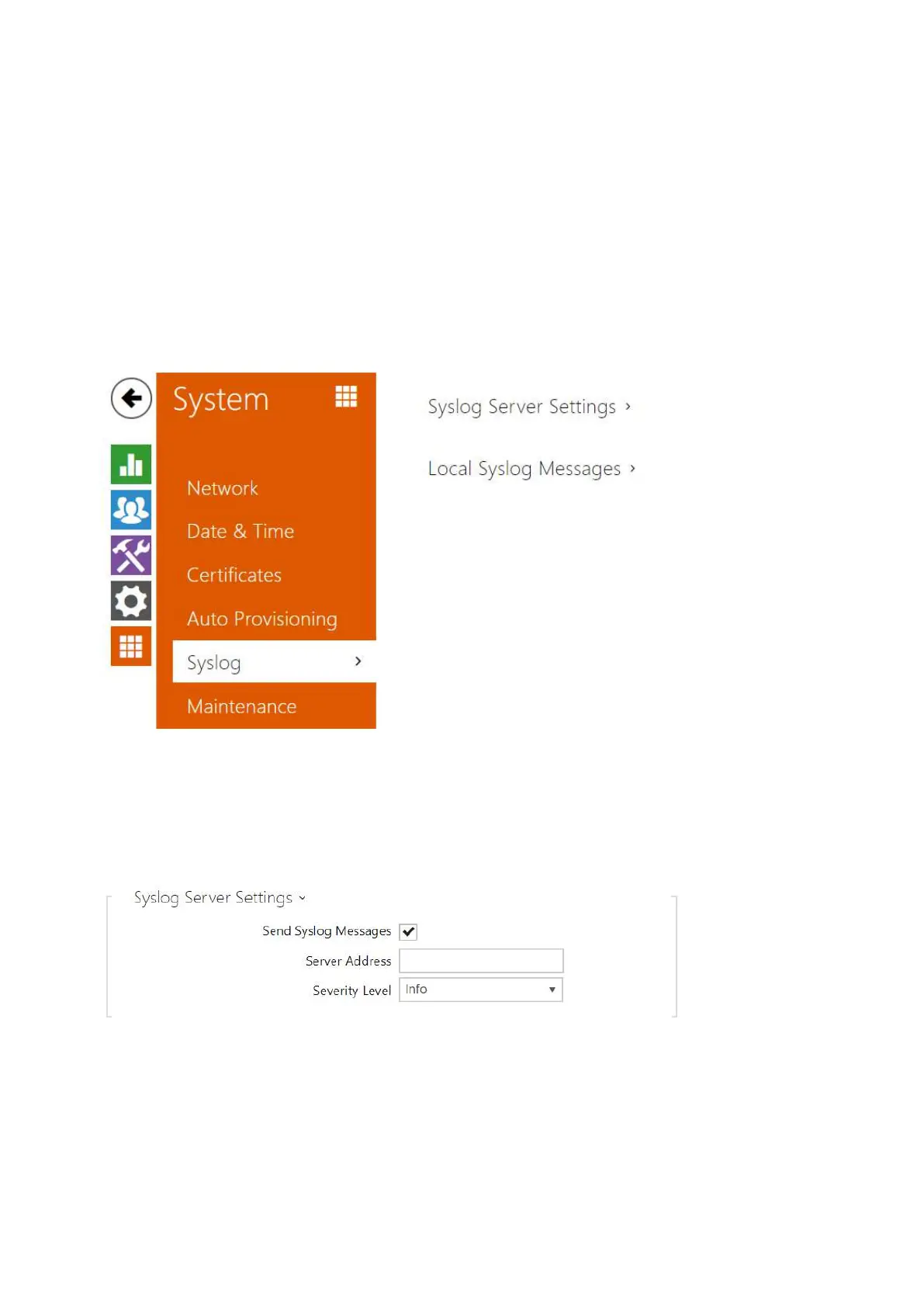
Indoor View allows you to sends syslog messages including relevant device state and
process information to a syslog server for recording and further analysis or auditing of the
device observed. It is unnecessary to configure this service for common operations.
List of Parameters
Send Syslog Messages – enable sending of syslog messages to the Syslog server. Make
sure that the server address is valid.
Server Address – set the IP/MAC address of the server on which the Syslog application is
running.



 To Next Page