1918
Put on your tracker (Continued)
Changing wristbands
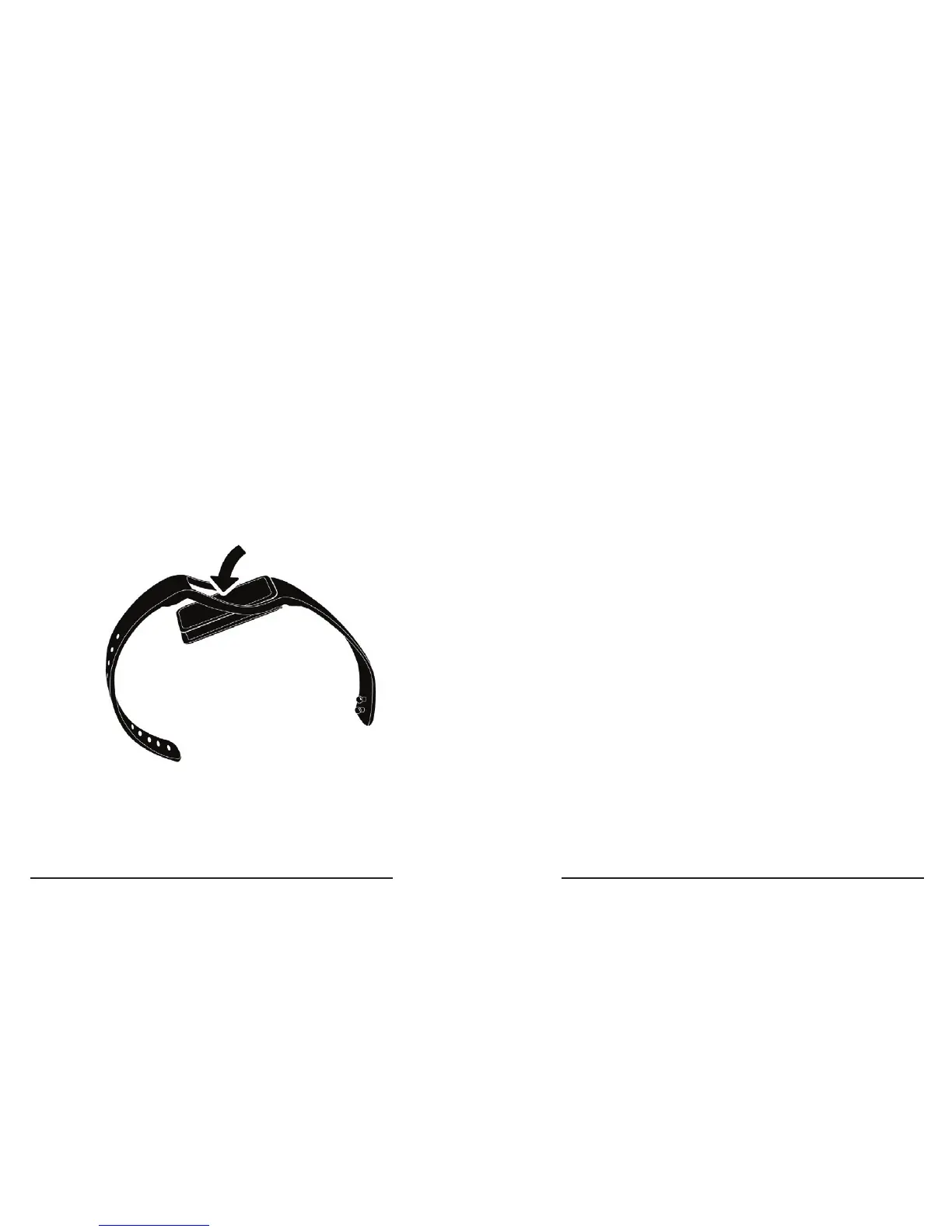
1� Remove tracker from your wrist, and then pull
one side of the wristband over the screen’s frame
to remove your tracker module from the wristband�
2� Fitting your tracker module back into the
wristband works the same way�
Tips:
• You can wear your tracker on either wrist.
Rotate the tracking module to the proper
orientation, then place it back into the
wristband�



 To Next Page