2524
Main Menu
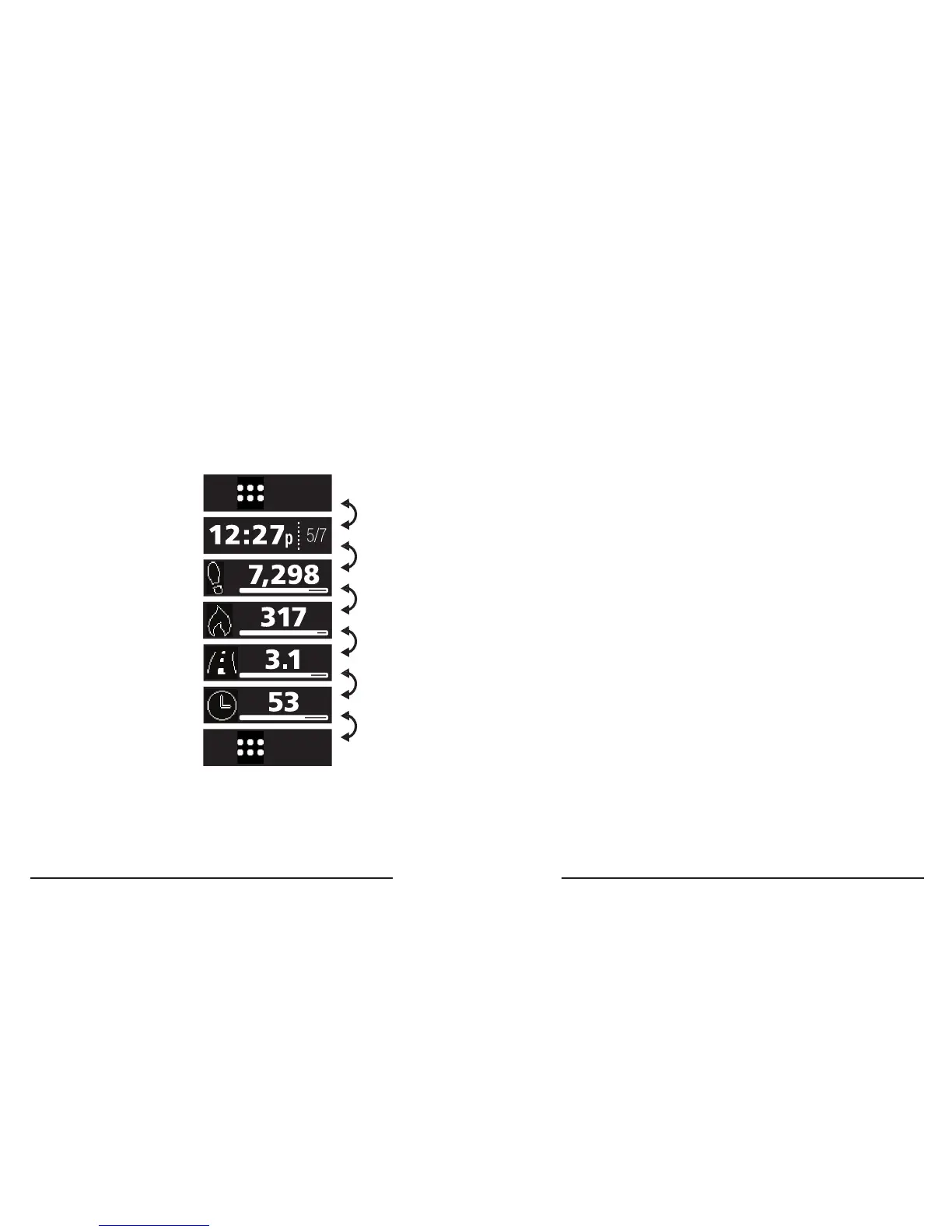
The Main Menu puts your tracker’s main
features at your ngertips.
Swipe Left and Swipe Right to change
screens�
How to enter the Main Menu
1� Setup must be complete�
2� Wait a few seconds for your tracker’s screen
to turn off�
3� Double-Tap to enter to the Main Menu at the
Clock Screen�
Automatic time out
The screen will automatically turn off after a
few seconds� Double-Tap wake your tracker and
turn the screen back on�
Step
Count
Cloc k
Screen
Apps
Menu
Calori es
Burned
Distan ce
Walked
Walk Time
Minute s
Apps
Menu
3.
2.
1.
4.
5.
6.
7.



 To Next Page