3534
Sleep Mode
Use Sleep Mode to track how you sleep� Your
sleep data is viewable from the 3Plus Activity
Tracker app, which displays your nightly sleep
patterns and sleep trends over time�
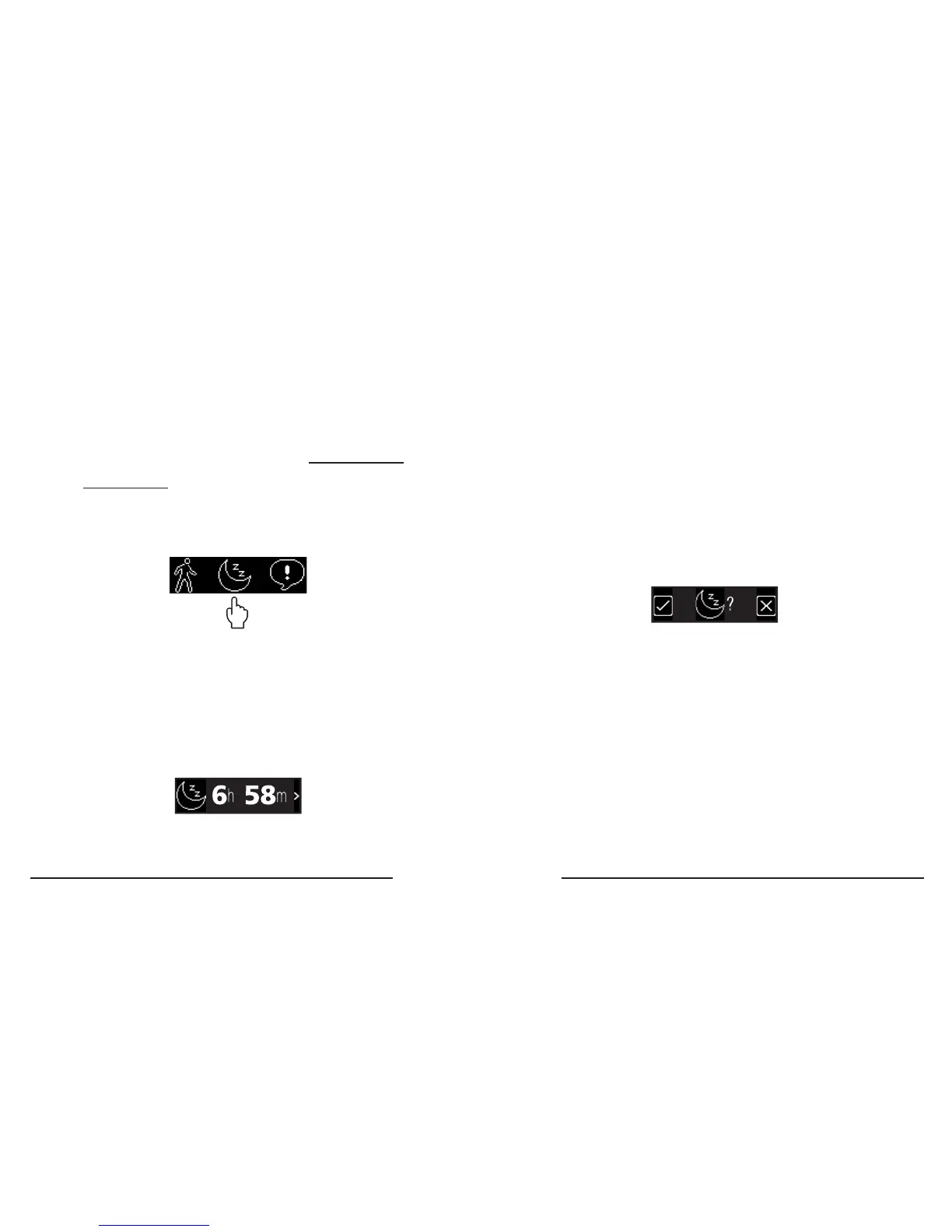
Interpreting the Sleep Mode Timer screen
The Sleep Mode timer screen shows the
total hours and minutes that have passed
since Sleep Mode began�
How to enter Sleep Mode
1� Make sure you are wearing your tracker
and you are ready to go to sleep�
2� Enter the Apps Menu (see page x)�
3� Touch the moon icon, which goes to the
Sleep Mode enter screen�
4. Touch the check-mark buttom to conrm
Sleep Mode, touch the ‘x’ button to
cancel



 To Next Page