5554
Vibrating Alarms (Continued) Tracker Care
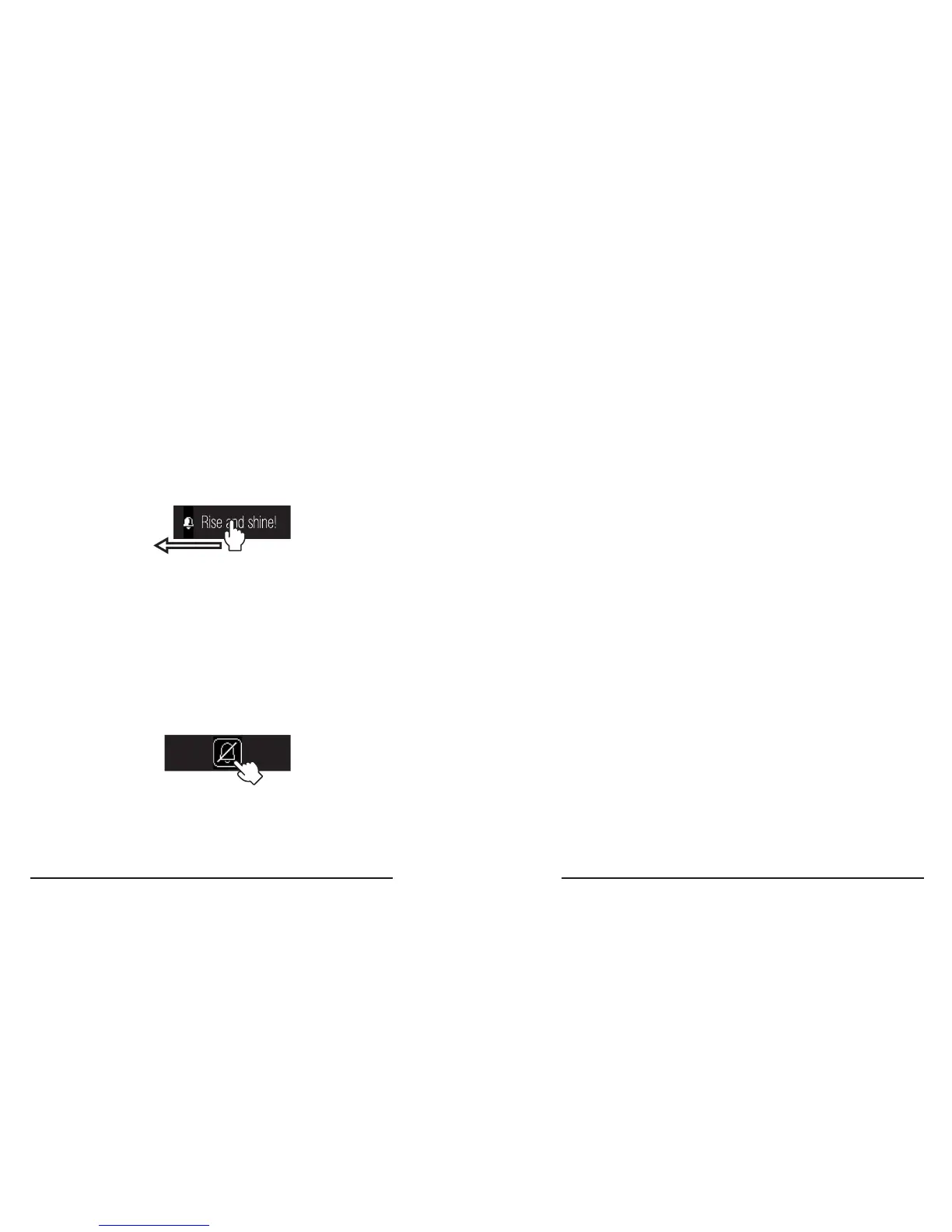
How to snooze an alarms
1� The alarm must be going off�
2� Swipe-Left to snooze the alarm.
3� The alarm will repeat after 45 seconds�
How to turn off an alarm
1� The alarm must be going off�
2� Swipe-Left to snooze the alarm.
3� Touch the button on the screen to turn off
the alarm
It’s a good idea to keep your wristband and
tracker module clean to help prevent skin
irritation -- especially after working out
because sweat and grime can build up�
Tips:
• Separately clean the tracker module and
the wristband�
• For the wristband: rinse it with water or
wipe it down with a small amount of rubbing
alcohol or a gentle soap-free cleanser�
For thorough cleaning, you can use a
gentle toothbrush�
• For the tracker module: do not run water
directly over the tracker module� Wipe it
with a soft cloth and a small amount of
rubbing alcohol, or a gentle soap-free
cleanser�
Swipe
Left



 To Next Page