4342
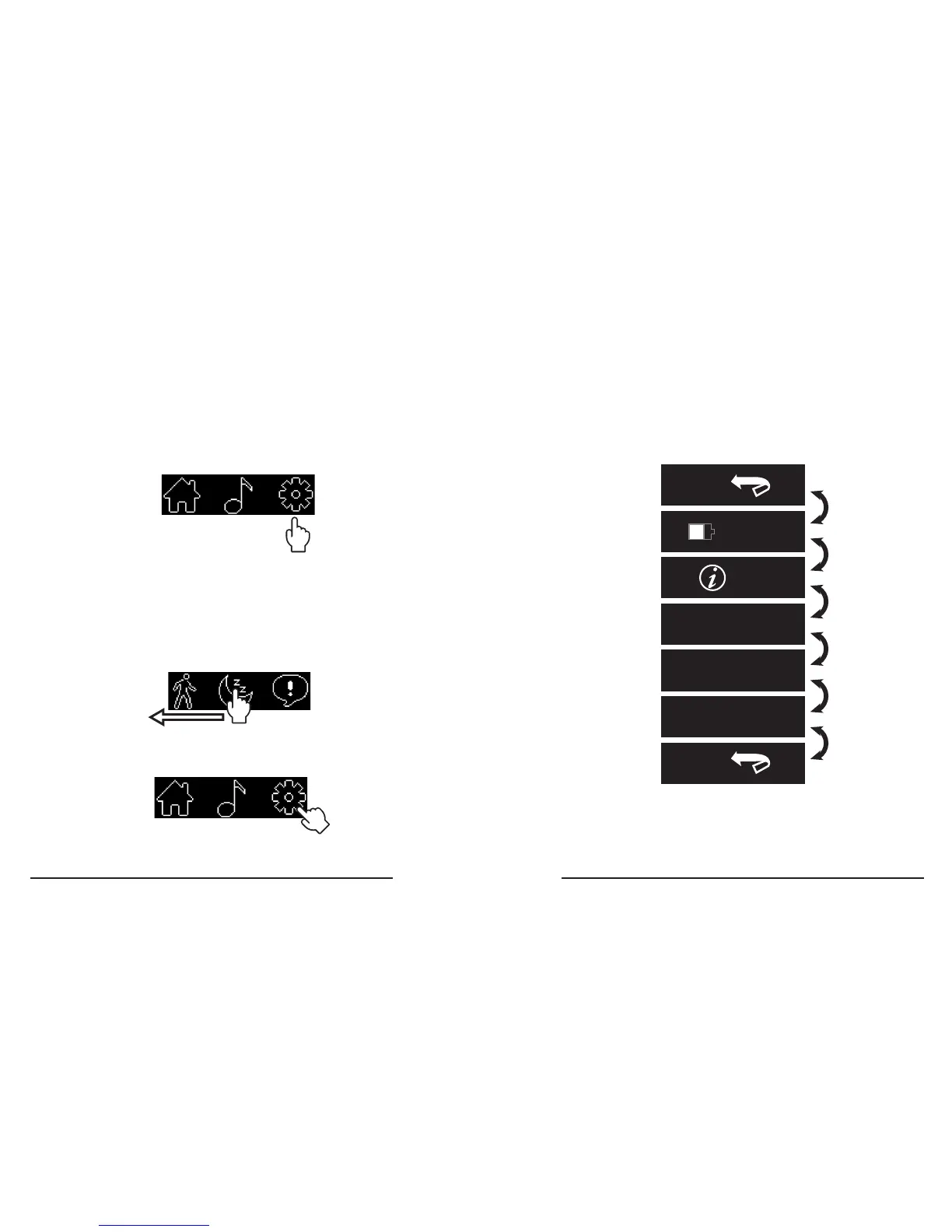
Settings Menu
The Settings Menu contains Battery Level and
troubleshooting features�
Settings Menu ow
How to enter Settings Menu
1� Enter the Apps Menu (see page x)�
2. Swipe Left to the Apps Menu rst screen to
the second screen
3� Touch the gear icon to enter the Setting Menu.
Swipe
Left
Back
Back
87
%
Info
Flip Screen?
Restart?
Factory Reset?
Go
Back
Battery
Level
Info
Menu
Flip
Screen
Restart
Device
Factory
Reset
Go
Back



 To Next Page