4948
Flip Screen Restart
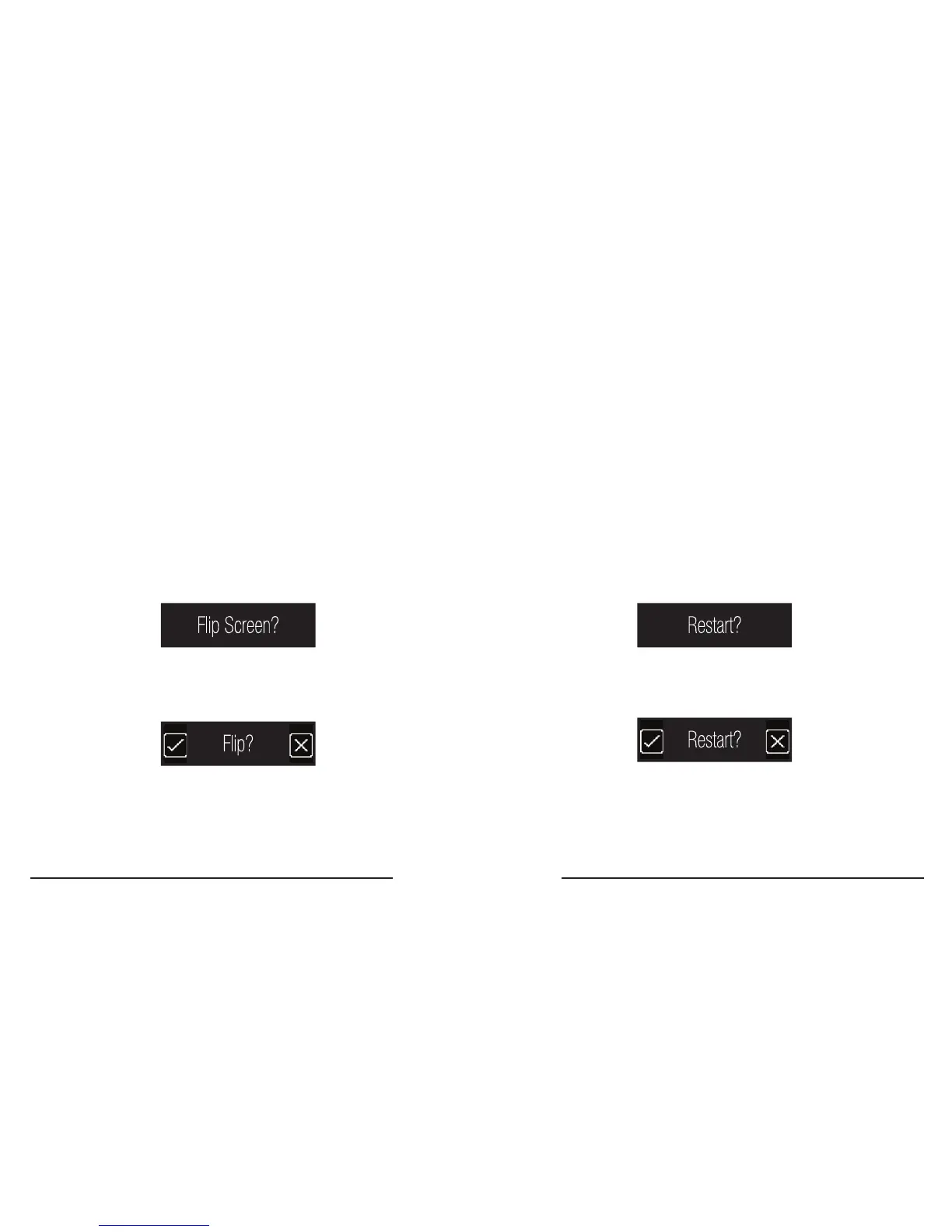
The Flip Screen feature vertically ips the screen’s
pixel display� This feature allows you choose what
tracker orientation suits you best on either wrist�
Restart is a troubleshooting feature that resolves
memory issues, much like the restart button on
a desktop computer� No data is deleted when
restarting your tracker�
How to Flip Screen
1� Enter the Settings Menu (see page x)�
2� Swipe Left to Flip Screen.
3� Touch Flip Screen to enter the
conrmation screen.
4. Touch the check-mark button to conrm
Flip Screen, Touch the ‘x’ button to cancel�
How to Restart your tracker
1� Enter the Settings Menu (see page x)�
2� Swipe Left to the Restart screen.
3� Touch the Restart screen to enter the
conrmation screen.
4� Touch the check-mark button to con rm
Restart, Touch the ‘x’ button to cancel�



 To Next Page