4544
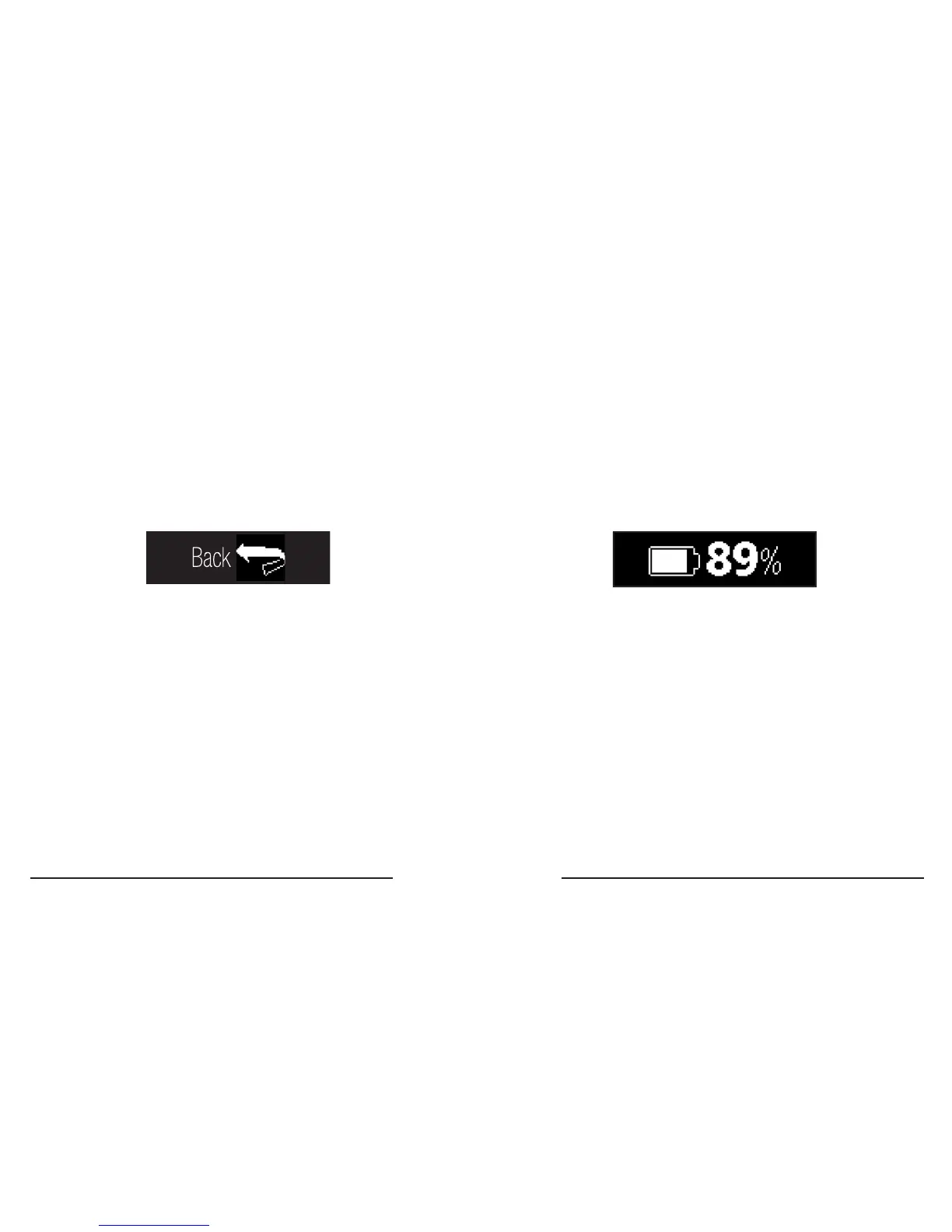
Settings Menu (Continued) Battery Level
How to exit Settings Menu
1� Swipe Left or Swipe Right to either end of the
Settings Menu ow to the ‘back’ screen.
Battery Level is the rst screen of the Settings
Menu.
2. Touch the ‘back’ screen to return to the
Apps Menu.
Tip: For best results, be sure to charge your
3Plus Swipe C when the battery level is below
20%.



 To Next Page