3736
Sleep Mode (Continued) Notications
How to exit Sleep Mode
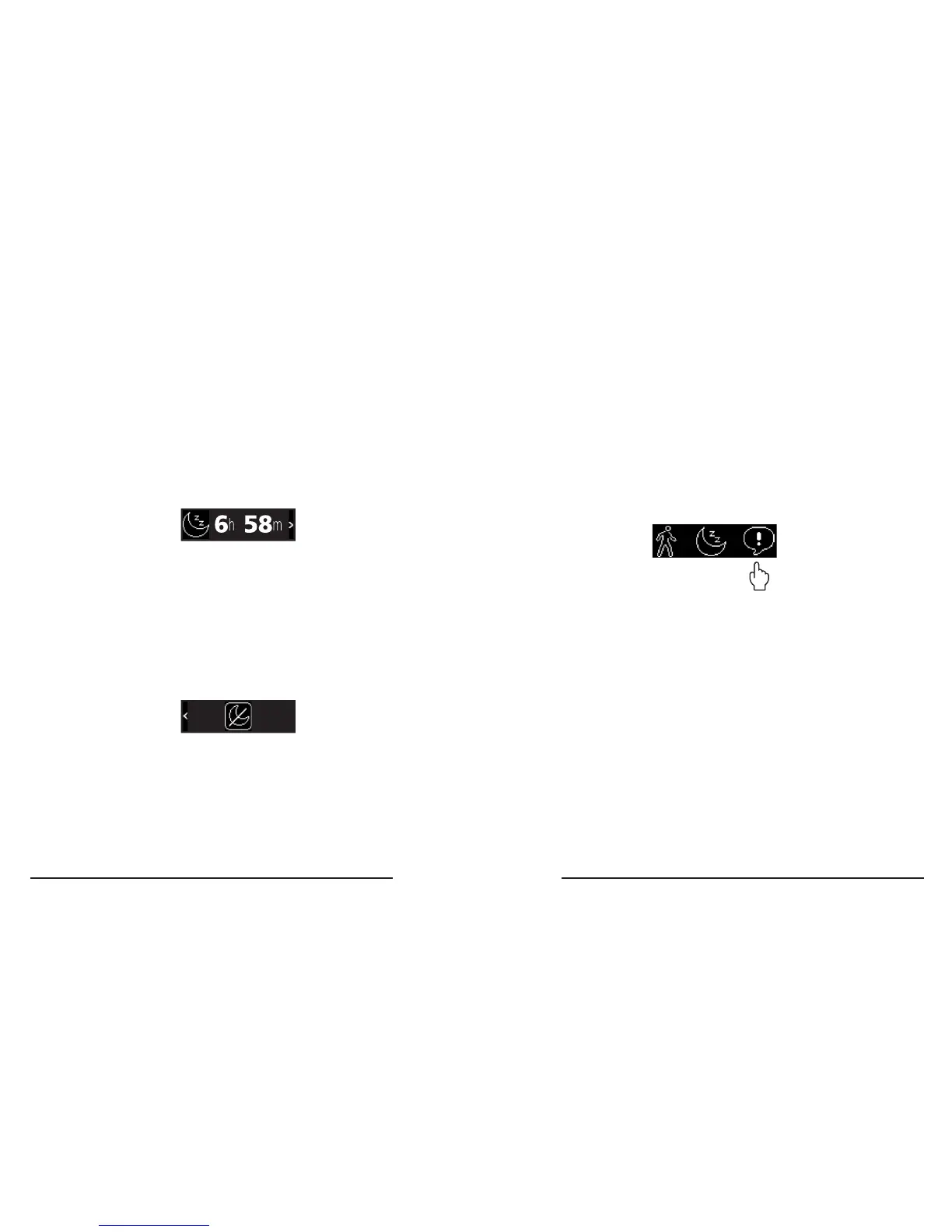
1� Wake up your tracker, which will display the
Sleep Mode timer screen�
Types of Notications
• Incoming calls
• Missed calls
• Text messages
• Smartphone app notications ( e.g. tweets,
Facebook messages, Instagram alerts, etc�)
Your 3Plus Swipe C displays live notications
from your smartphone and stores them for
later viewing�
2� Swipe Left at the Sleep Mode timer
screen, which will display the Sleep Mode
exit screen� This screen has a single button
that contains a moon with a line drawn
through it�
3� Touch the button to exit Sleep Mode.
4� Swipe Right to cancel and stay in Sleep Mode.
Note: Your tracker will automatically exit Sleep
Mode if you walk 200 steps.



 To Next Page