4746
Info Menu
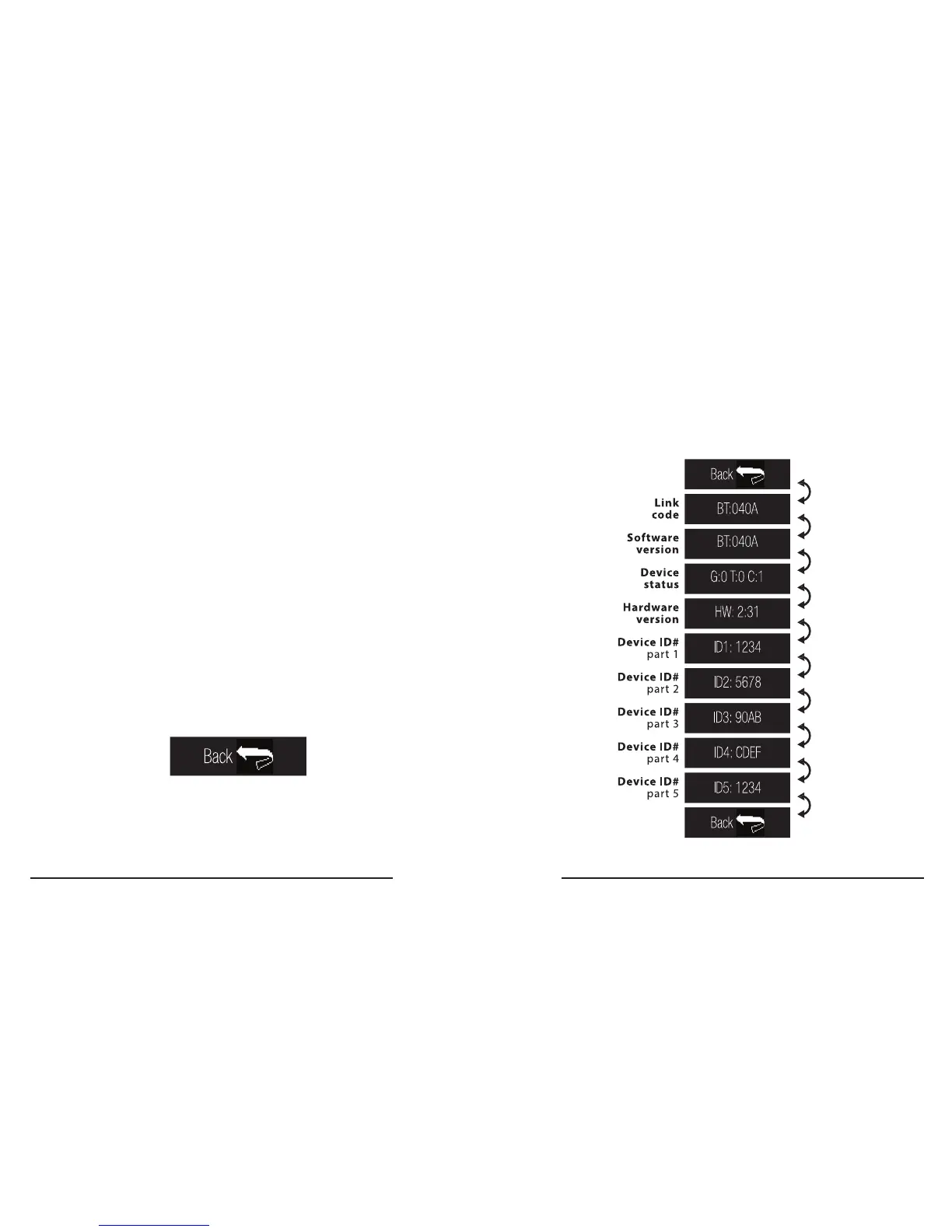
The Info Menu displays technical information
about your tracker that a customer service agent
can use to diagnose issues�
How to enter Info Menu
1� Enter the Settings Menu (see page x)�
2. Swipe Left to the Info Screen.
3. Touch the Info Screen to enter the Info Menu.
Info Menu ow
How to exit Info Menu
1� Swipe Left or Swipe Right to either end
of the Info Menu to the ‘back’ screen�
2� Touch the ‘back’ screen to return to the
Settings Menu.



 To Next Page