2
INSTALLING THE SWITCH
This chapter contains information that you need to
install and set up the Switch. It covers the following
topics:
■ Positioning the Switch
■ Rack-Mounting or Free-Standing
■ Supplying Power to the Switch
■ Connecting a Network Device
■ Connecting a Network Device
■ Performing Spot Checks
Before You Begin
WARNING: Safety Information. Before installing or
removing any components from the Switch or carry
-
ing out any maintenance procedures, read the safety
information provided in
Appendix B of this guide.
AVERTISSEMENT: Consignes de Sécurité. Avant
d'installer ou d'enlever tout composant du Switch ou
d'entamer une procédure de maintenance, lisez les
informations relatives à la sécurité qui se trouvent
dans l'Appendice B (
Appendix B) de ce guide.
WARNHINWEIS: Sicherheitsinformationen. Bevor
Sie Komponenten aus dem Switch entfernen oder
dem Switch hinzufuegen oder Instandhaltungsarbe
-
iten verrichten, lesen Sie die Sicherheitsanweisungen,
die in Anhang B (
Appendix B) in diesem Handbuch
aufgefuehrt sind.
ADVERTENCIA: Información de Seguridad. Antes
de instalar o extraer cualquier componente del prod
-
uct o de realizar tareas de mantenimiento, debe leer
la información de seguridad facilitada en el Apéndice
B (
Appendix B) de esta guía del usuario.
AVVERTENZA: Informazioni di Sicurezza. Prima di
installare o rimuovere qualsiasi componente dal prod
-
uct o di eseguire qualsiasi procedura di manutenzi-
one, leggere le informazioni di sicurezza riportate
nell'Appendice B (
Appendix B) della presente guida
per l'utente.
Positioning the Switch
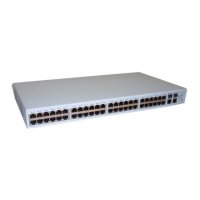
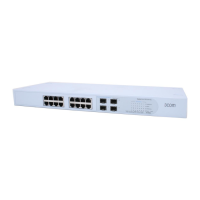
The Switch is suitable for use in an office environment
where it can be free-standing or mounted in a stan
-
dard 19-inch equipment rack.
Alternatively, the Switch can be rack-mounted in a
wiring closet or equipment room. A mounting kit,
containing two mounting brackets and four screws, is
supplied with the Switch.
When deciding where to position the Switch, ensure
that:









 To Next Page
