Pannoramic 1000 1.2 – User’s Guide 6.3.3 Removing a slide
6.3.3 Removing a slide
If a slide got jammed, fell down from the arm of the grabber or has suffered breakage during the
process of digitization, stop the process and, if possible, move the slide holder/grabber to a position
where the slide can be easily removed.
Warning!
Crush hazard! Before you remove a jammed/dropped slide, cancel the
running digitization process, terminate the software session and turn
the power off.
Any manipulation performed on a mechanical component must be followed by a complete device
initialization routine (software restart).
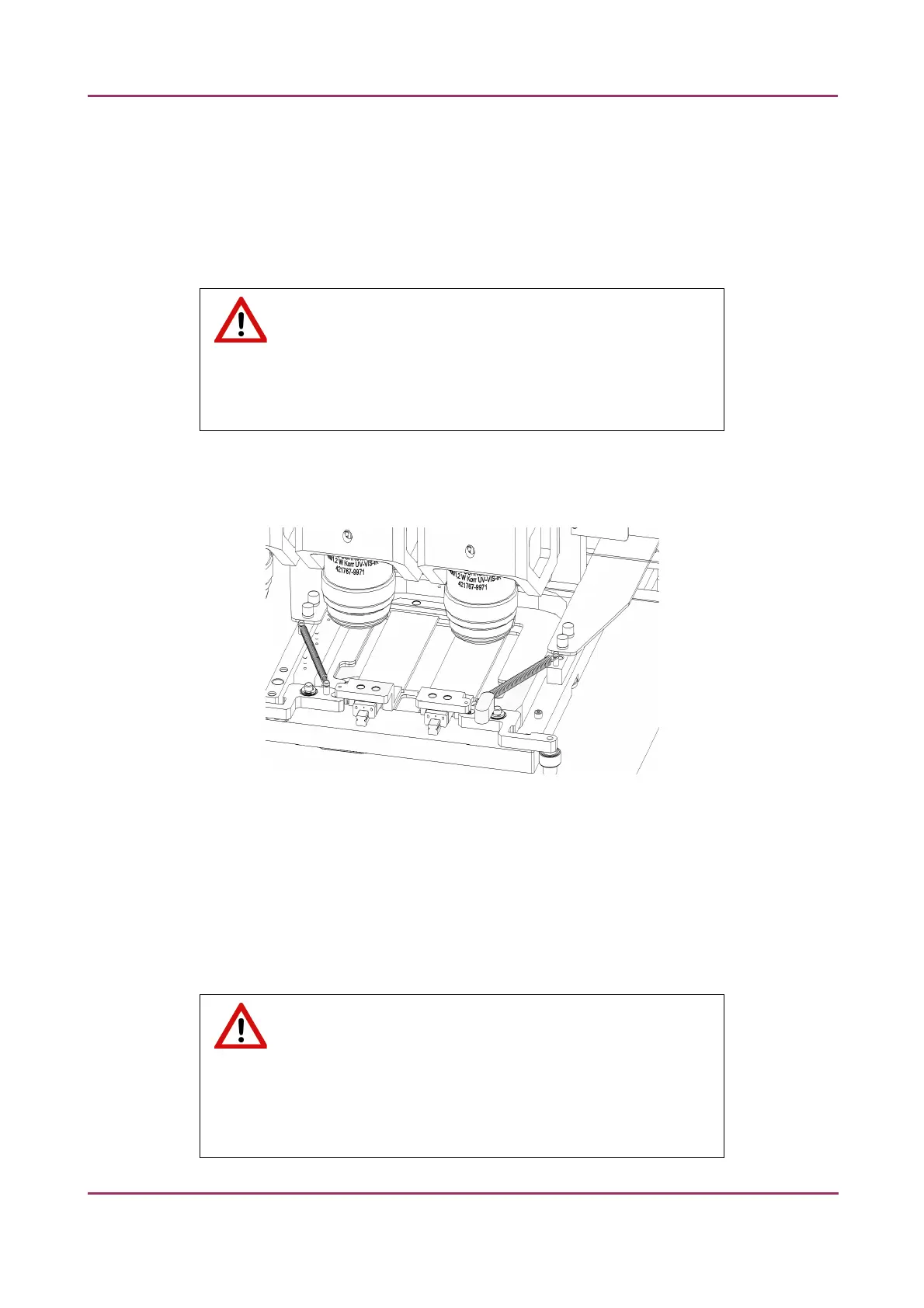
Figure 30 – Removing a slide
1. Exit control software.
2. Switch off power supply and disconnect power cable.
3. Open magazine compartment door or service door depending on the position of the slide
during the digitization process.
4. Remove the slide either from the gripper arm or the stage.
Warning!
If the slide is broken, make sure to remove all pieces completely from
the device. The edge of the broken area of the slide is sharp and it can lead
to injury and contagion! Broken slide can be removed only by a well-trained
person!
March 19, 2019 – Rev. 2 3DHISTECH Ltd. 54(78)



 To Next Page