Pannoramic 1000 1.2 - User’s Guide 8 Packaging instructions for Pannoramic
1000
4. Take off the rocker panels (if any) from the sides and from the front. Just pull them outward.
They are mounted/hold by magnets.
5. Turn off and disconnect all the cables of the workstation and display.
6. Place the workstation, the monitor, and all accessories to their dedicated place.
8.2 Main parts and their accessories
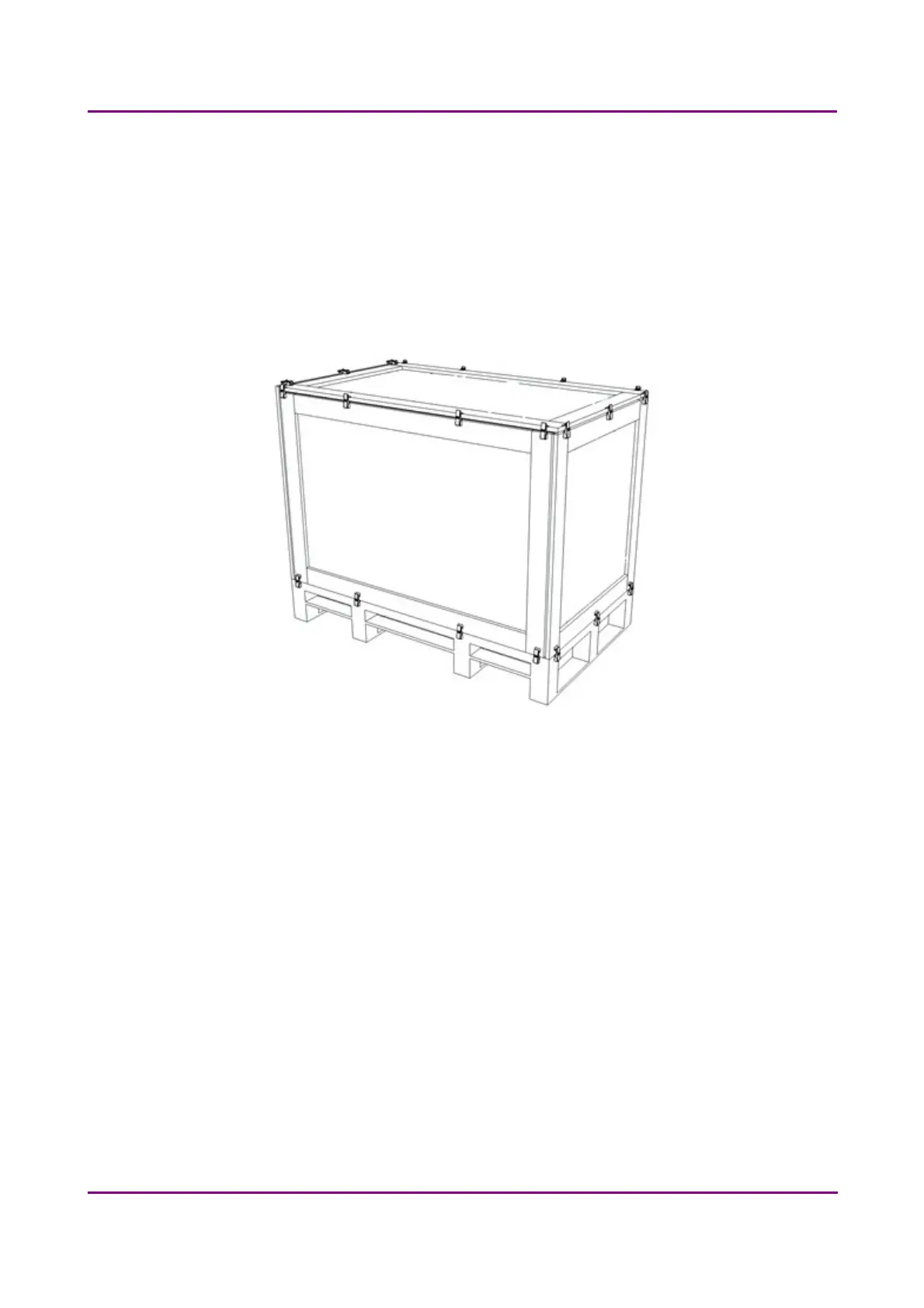
Figure 47 – BOX 1
1. BOX 1 – Transportation box
a) fixing foams for the scanner
b) P1000 scanner
c) objective(s) (in scanner)
d) camera adapter(s) (in scanner)
e) camera (in scanner)
f) BNC-DIN PROFILE cable
g) microscope USB cable (in scanner)
h) USB 3.0 cable (in scanner)
March 19, 2019 - Rev. 2
3DHISTECH Ltd. 65(78)



 To Next Page