Pannoramic 1000 1.2 - User’s Guide 8 Packaging instructions for Pannoramic
1000
(b) Gripper unit (slide in-out)
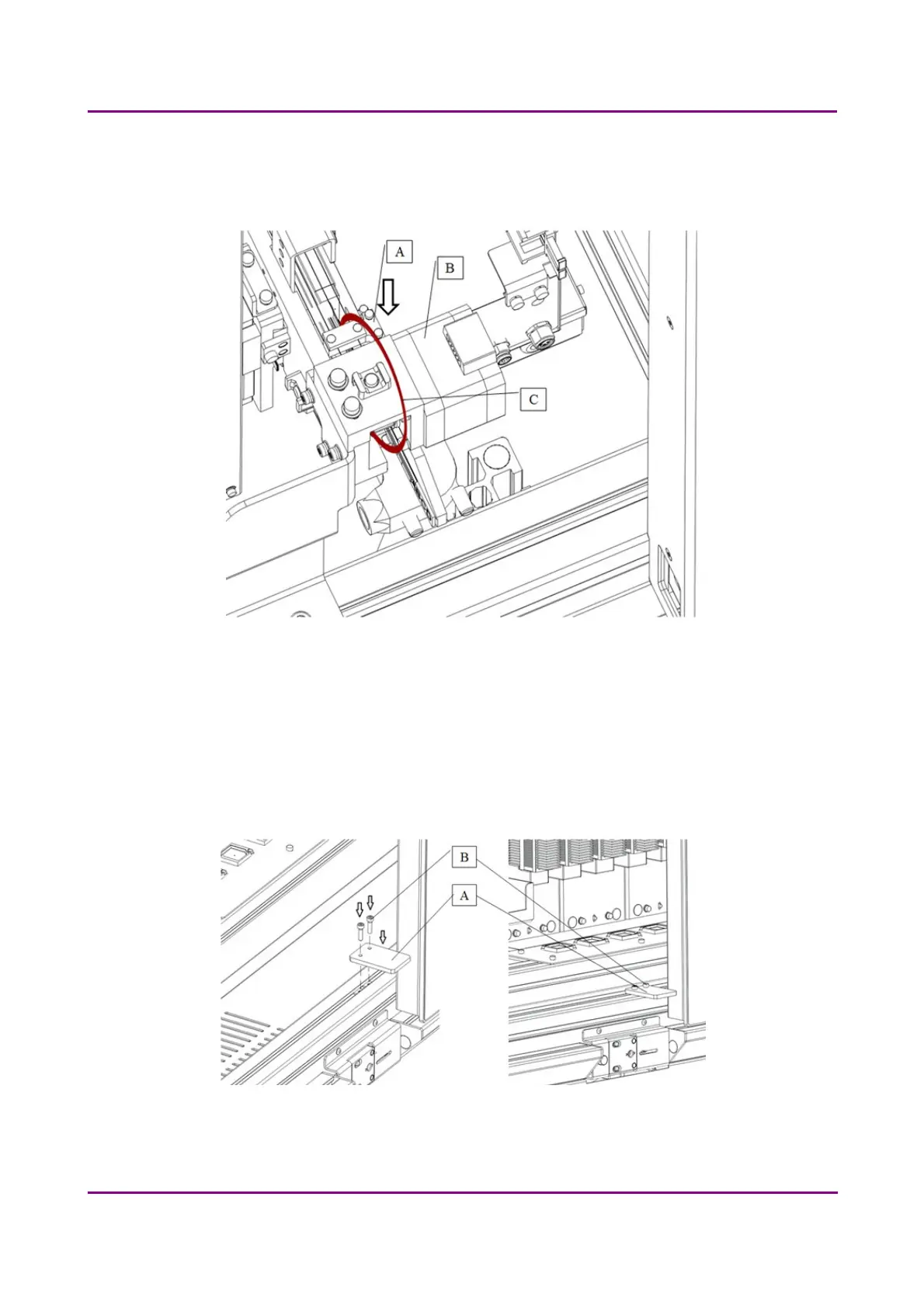
Bind the tooth belt fixing (A) to the stepper motor (B) with a red strap (C). (Figure 45)
Figure 45 – Mount fixing strap on tooth belt
III. Cover
To lock magazine loading door (at the right), first open the service door (at the left).
Use a 3 mm hexagon wrench tool to screw the door fixing unit (A) with 2 pcs of M4x16 socket head
cap screw (B).
Figure 46 – Lock magazine loading door
March 19, 2019 - Rev. 2
3DHISTECH Ltd. 64(78)



 To Next Page