Pannoramic 1000 1.2 - User’s Guide 8 Packaging instructions for Pannoramic
1000
(b) Objective changer
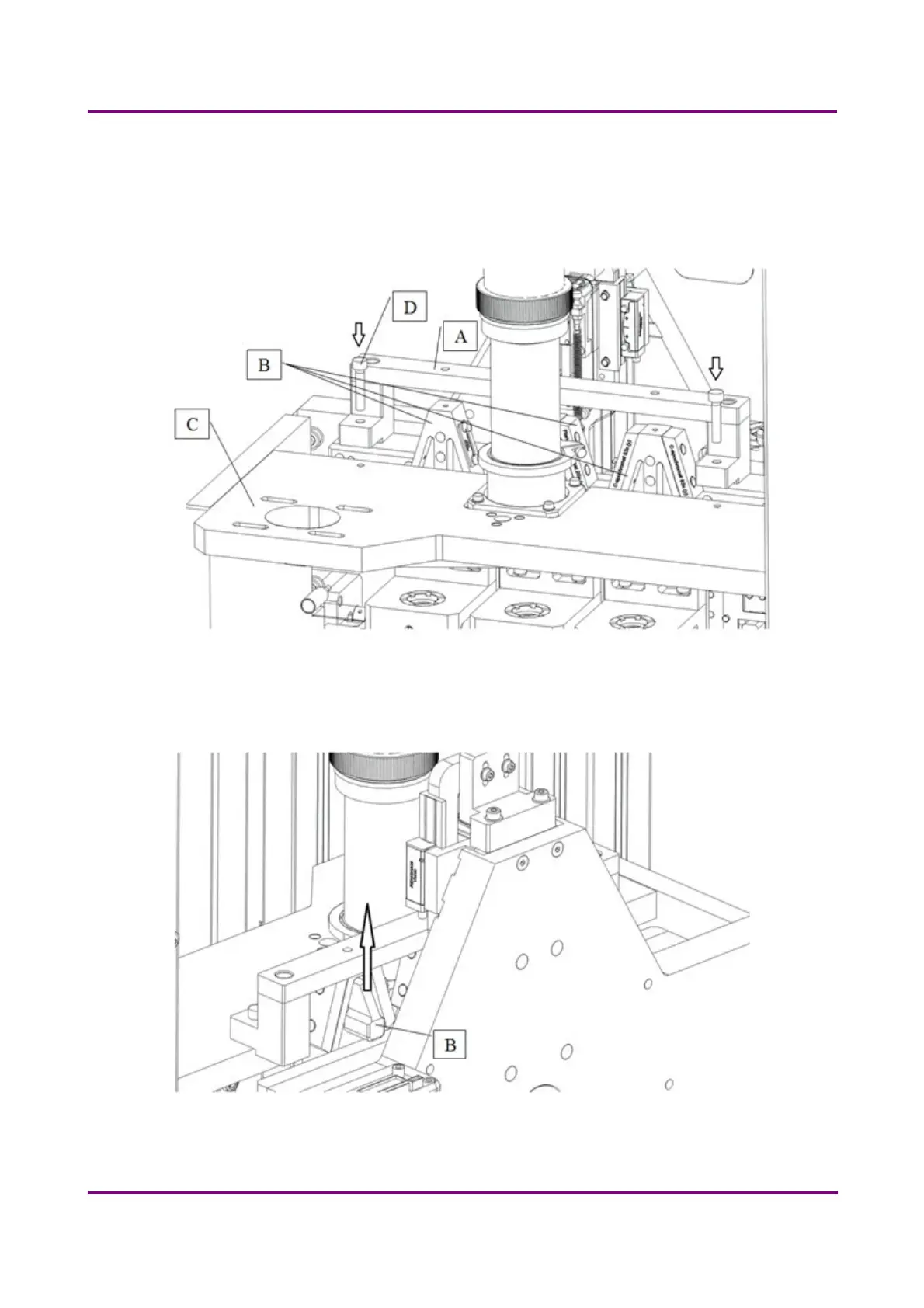
Mount the transport fix (A) for the objectives (B) to the upper horizontal plate of the
microscope (C) with 2 pcs of M5x25 socket head cap screw (D). Use a 4 mm hexagon
wrench tool.
Figure 32 – Mount fixing blocks on objective changer
Lift each objective holder (B) by hand and mount them with M4x20 socket head cap
screws (E) (3x). Use 3 mm hexagon wrench tool. (Figure 33-35)
Figure 33 – Mount fixing blocks on objective changer
March 19, 2019 - Rev. 2
3DHISTECH Ltd. 58(78)



 To Next Page