10
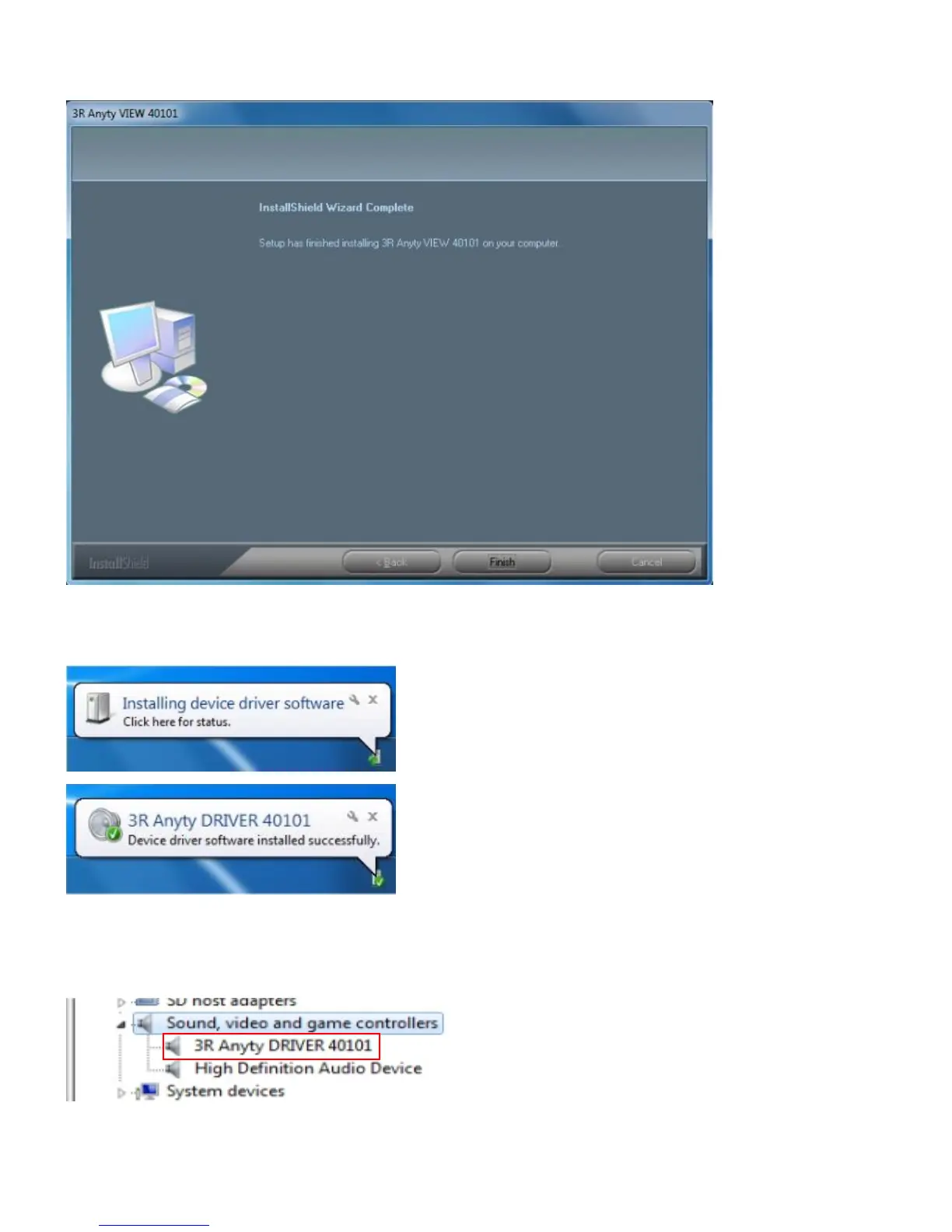
⑥ Press ‘Finish’ when screen shows as below.
It is all complete about installation of Anyty VIEW. Move on to examination of Receiver.
⑦ Connect Receiver to USB port on PC with miniUSB cable. Windows will detect the device automatically.
Installation will be done when the message shows as below.
※ The name will be shown in Device Manager as images shows as below
※ To confirm by Device Manager, please left click on ‘Start’ and right click on ‘Computer’. Then find
‘Manage’ and left click on it.



 To Next Page