12
P4 Installation of Anyty VIEW(Windows8)
※The software of this product is not officially compatible with Windows8 purchased in 2012.
To understand the newest compatibility, please contact us at: inquiry@3rrr.co.jp
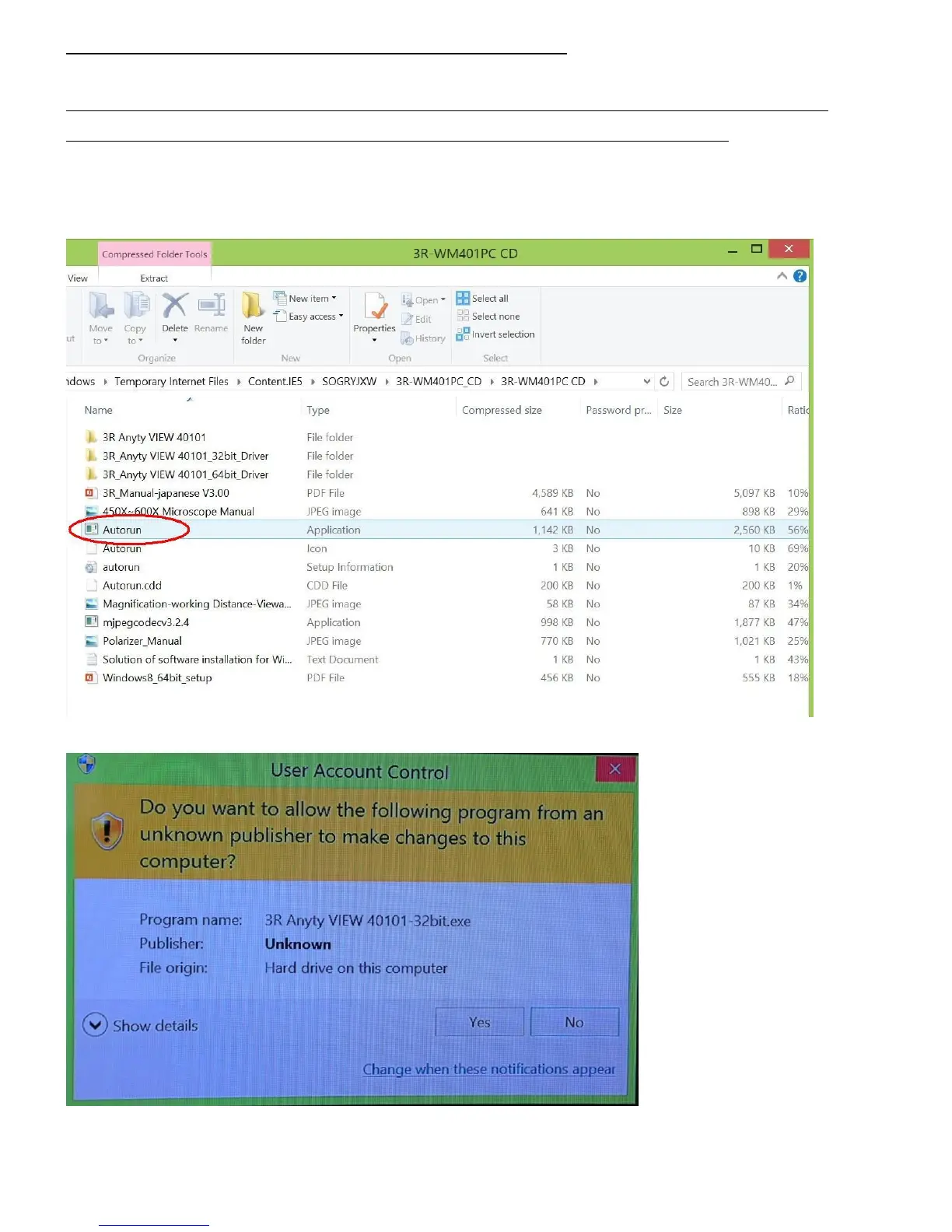
※In case of using Windows8 32bit version to install, insert install CD into CD-ROM. Then click the
icon of computer on Desktop so the explorer will be shown. Thirdly, open (click) CD-ROM icon and run
‘Autorun.exe’. In the follow-up processing, please go to page 7 of Installation of Windows7/Vista.
During the Device installation, please press ‘Yes’ to continue installation



 To Next Page