16
P8 Capture with Anyty VIEW
●Launch Anyty VIEW software
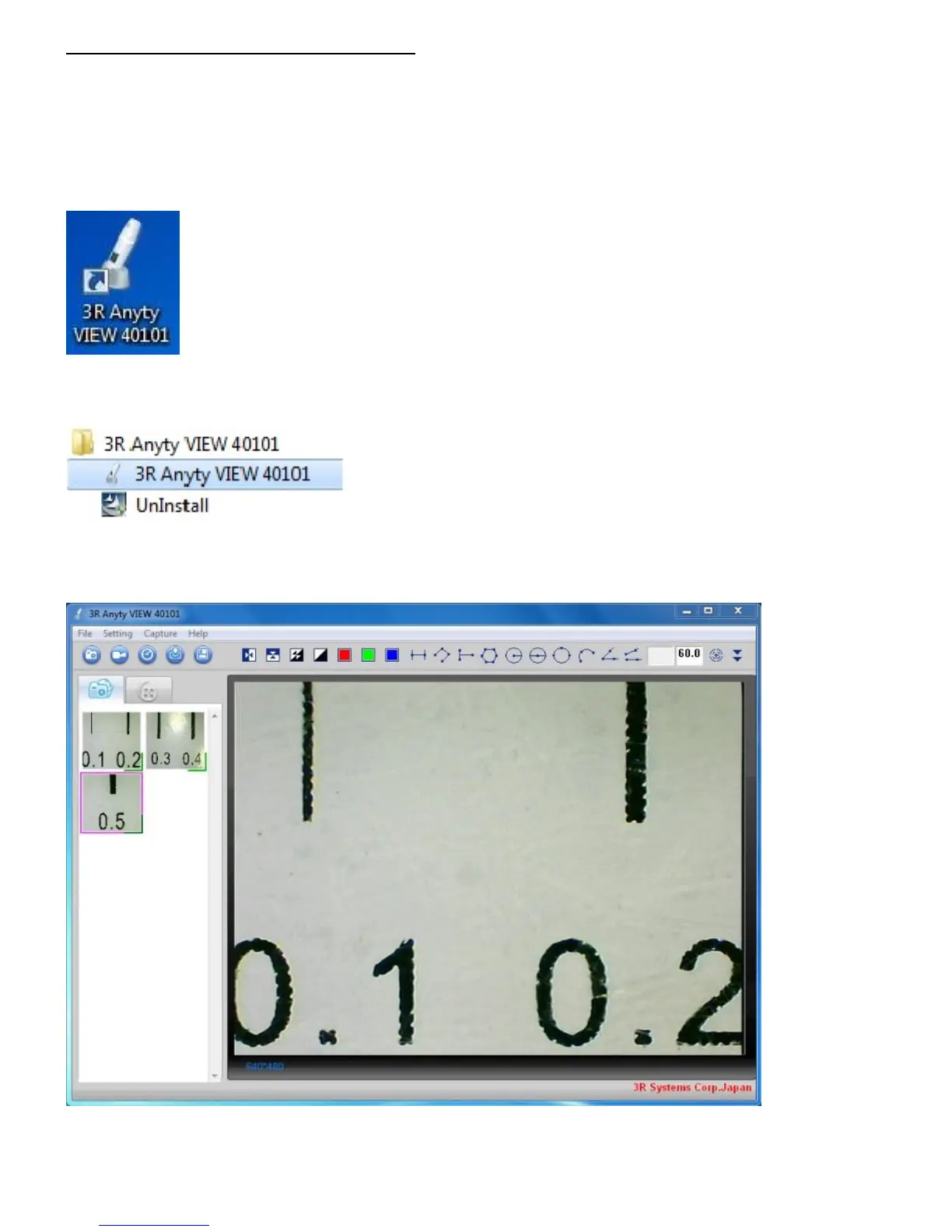
The icon of Anyty VIEW will be established in ‘Program’ and ‘Desktop’
※ In some case, icon would not be established on desktop.
Desktop icon
Double click to launch Anyty VIEW.。
You are also able to open it from ‘Start’ → ‘(All)Program’→ ‘3R Anyty VIEW 40101’
Please left click ‘3R Anyty VIEW 40101’ to launch it
●Main Window
Once the program is launched, the Main window will be shown.



 To Next Page