40
T6 Capture movie
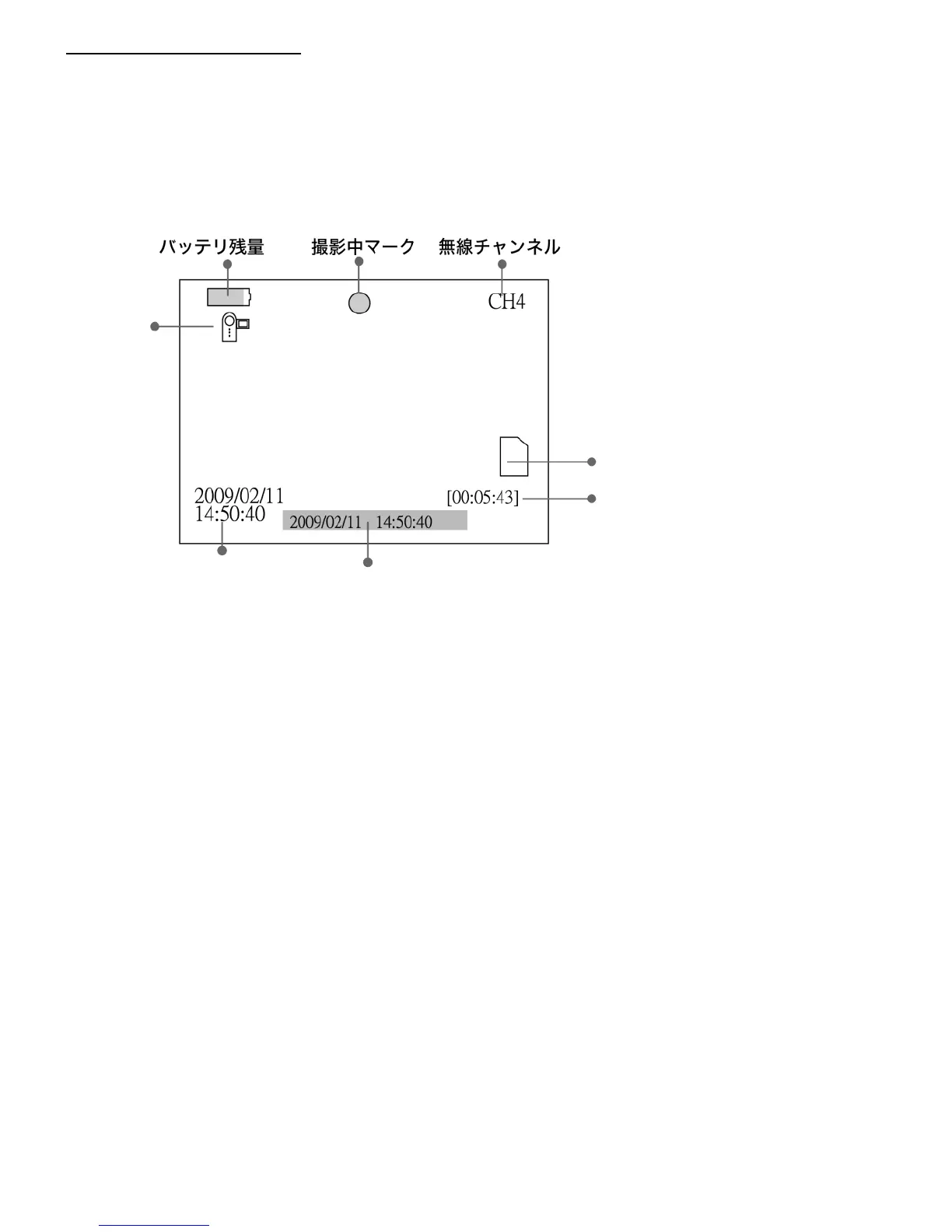
The Initial State (first time turn the power on) of the LCD Monitor will be Movie capture mode.
Or press ‘▲’ at Still picture mode. It will be switched to Movie capture mode
・ Saving movie mode
Press ‘Ok’ button at left side of the LCD monitor in Movie capture mode and recording will be starting.
During capturing period, a round icon at top of the screen will flash. Capturing time will be shown
at bottom right side of the screen.
Press ‘OK’ again to stop recording.
The icon of MicroSD will be marked ‘F’ if the SD card is full



 To Next Page