39
T5 Capture the still picture
The images captured by Anyty Wireless Microscope will be saved in SD card in the LCD screen.
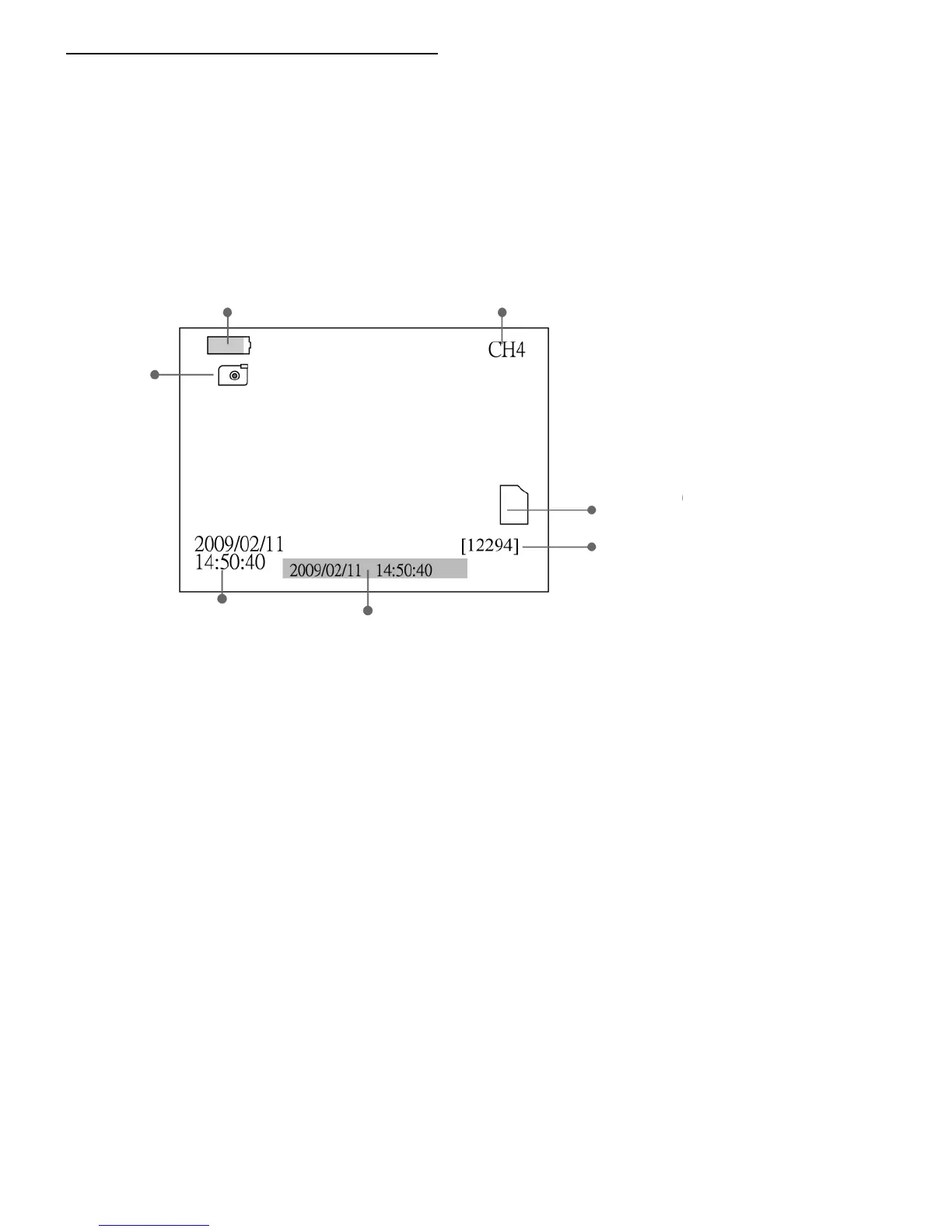
In order to capture still pictures, please turn on the power of LCD Monitor first and press ‘▲’ button.
It will be still picture mode.
・ Saving still picture
Press ‘OK’ button at left side of the LCD monitor in Saving Still Picture Mode to save current screen.
The icon of MicroSD will be marked ‘F’ if the SD card is full.



 To Next Page