14
P6 Turn the power on and Channel Harmonization
1. Connect specified Receiver to PC with miniUSB cable.
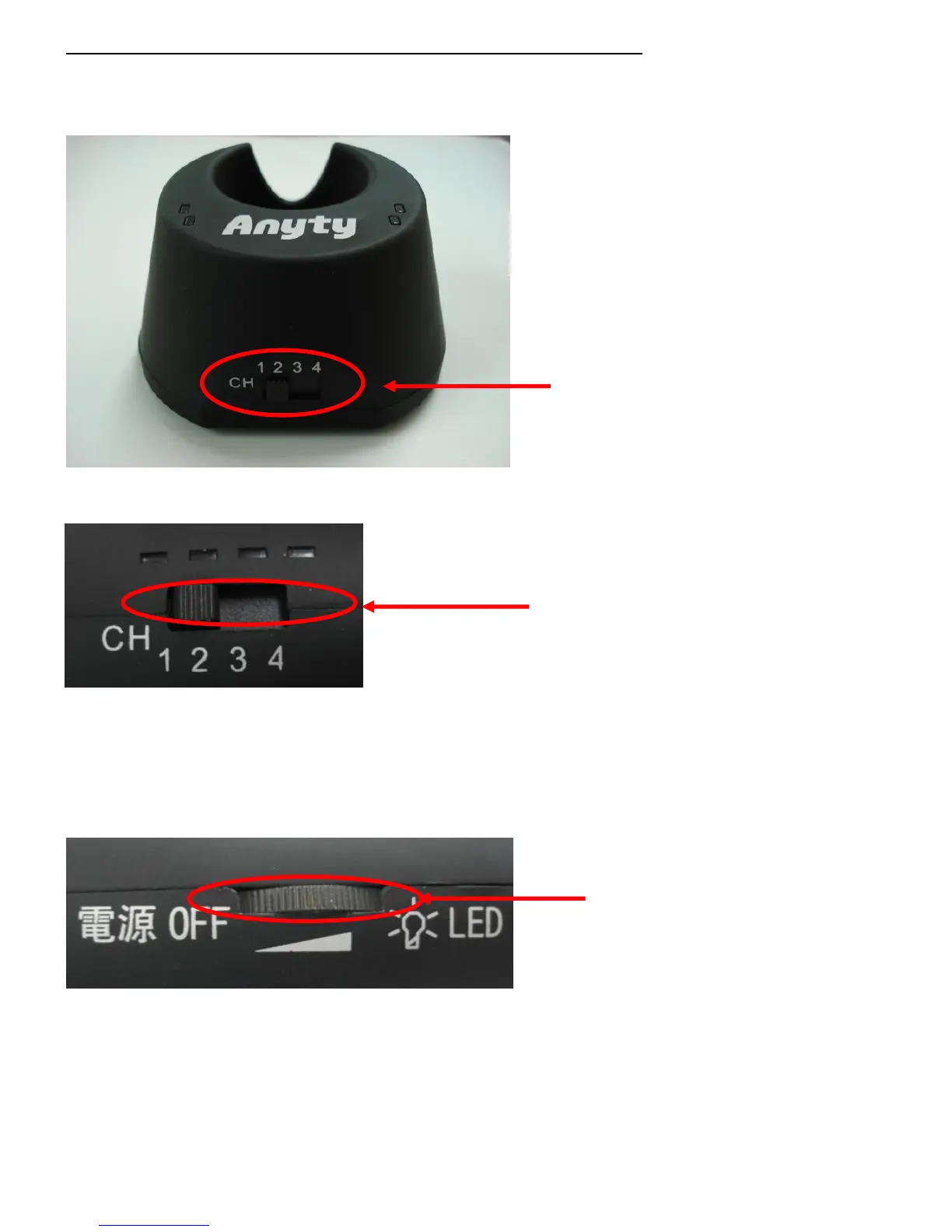
Once they have been connected, please set the channel from one of ‘1, 2, 3, 4’
Switch of Channel
(Channel of 1、2、3、4)
2. Then adjust the switch on Anyty Wireless Microscope as same number as on Receiver。
Switch of Channel
(Channel of 1、2、3、4)
3. Once the channel has been tuned, please turn dial switch right on Anyty Wireless Microscope
Sound of ‘click’ is the sign of power on.
Dial switch
※ Dual-purpose switch to
Adjust luminance of LED and power



 To Next Page