41
T7 Preview (Images/Movies)
Press ‘≡’ button at right side of the LCD monitor to activate Preview of Images/Movies Mode.
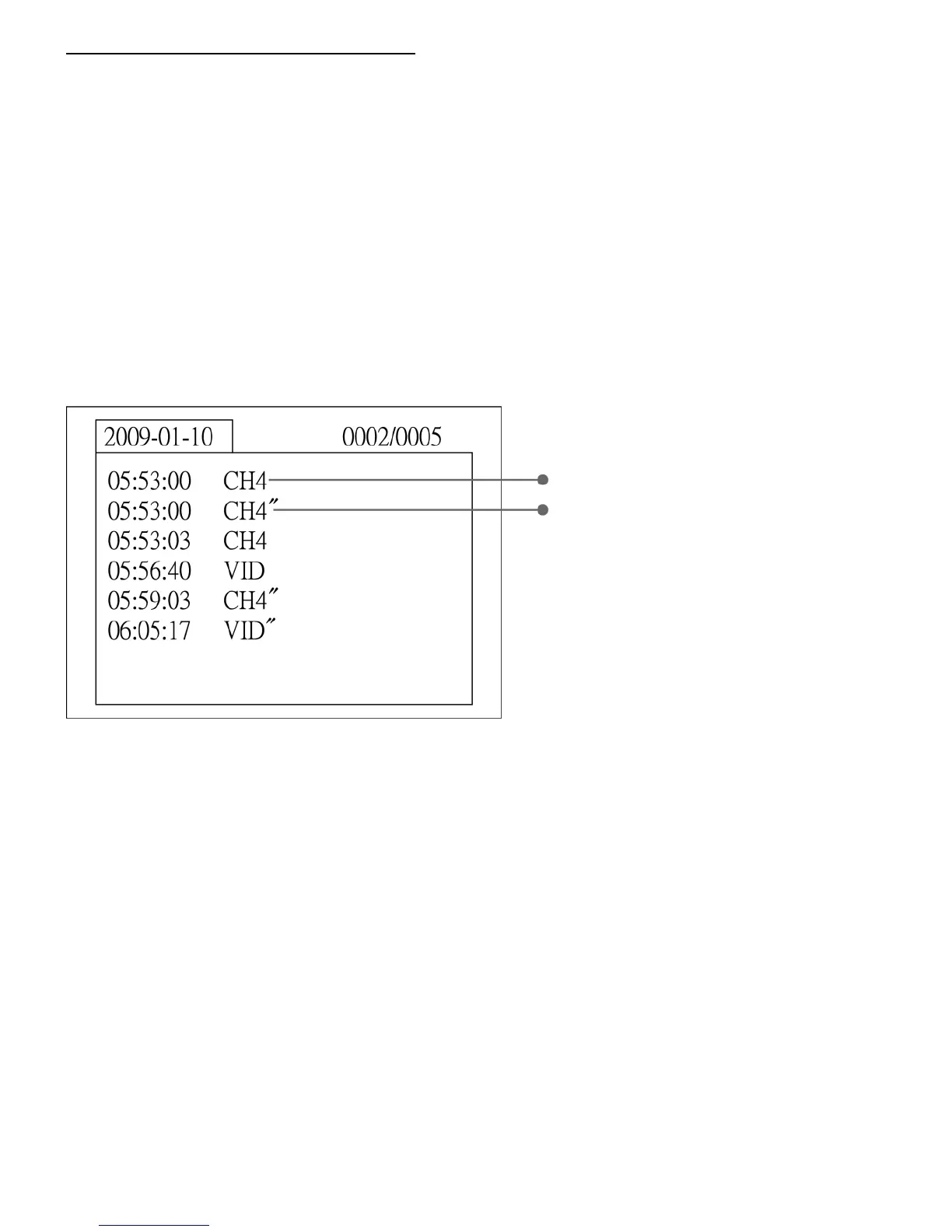
Index of folders will be shown.
They are separated by different capturing date.
Press ‘▲’, ‘▼’ button to select and ‘OK’ to confirm.
Then, the index of selected file will be shown.
Press ‘▲’, ‘▼’ to choose Data of what you want to view and press ‘OK’ to confirm.
※ Difference between Image/Movie data:
Data with double quotation mark ・・・ Image data
Data with no quotation mark ・・・ Movie data
Preview images
Press ‘OK’ to display the image on screen.
Press ‘OK’ again to back to previous screen.



 To Next Page