28
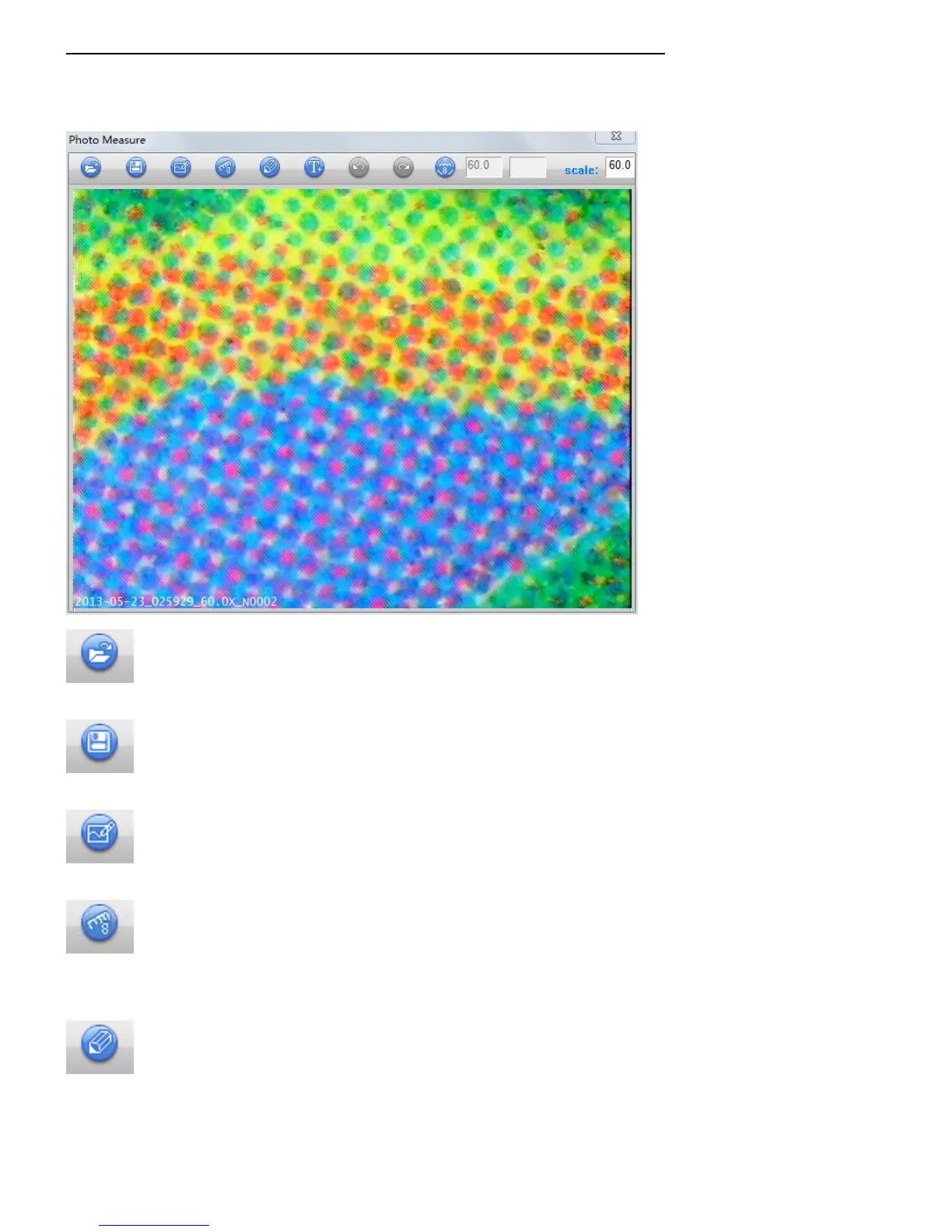
P9 Use Anyty VIEW to edit captured still picture
Click thumbnail of still picture to open editing window。 You are able to measure and input words here
as you have done in capture screen.
Open
Open named picture which are captured by Anyty VIEW only.
Save
You are able to save the picture as another name after editing.
Paint
You are able to paint line and figure in picture.
Measure
Enter magnification to enable measurement and editing.
※Operation steps are same as in page 24
Pen setting
You are able to change color of painting and line of measurement.
※Screen and control are same as manual on page 27



 To Next Page