29
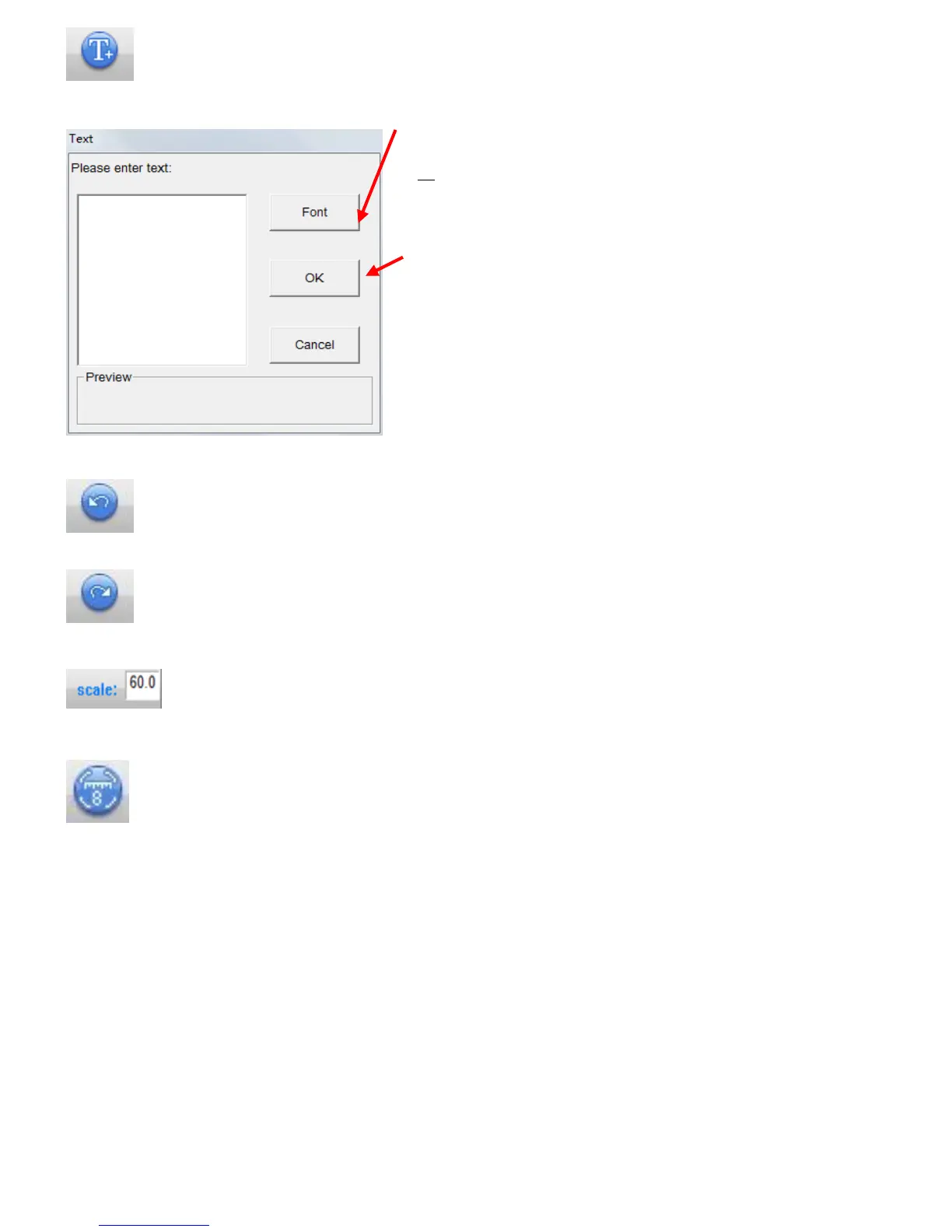
Text setting
You are able to input text on picture. Please enter texts in black.
Undo
Return to previous status during editing.
Redo
Redo of what you have done before ‘Undo’
Enter magnification at capture period. You must do this when you measure size.
Calibration
Use this to improve accuracy of measurement.
※To understand control step, please see page 26



 To Next Page