44
T9 About each settings
You are able to change each setting of LCD Monitor.
Turn on the LCD monitor and Press ‘≡’ button for 2 seconds
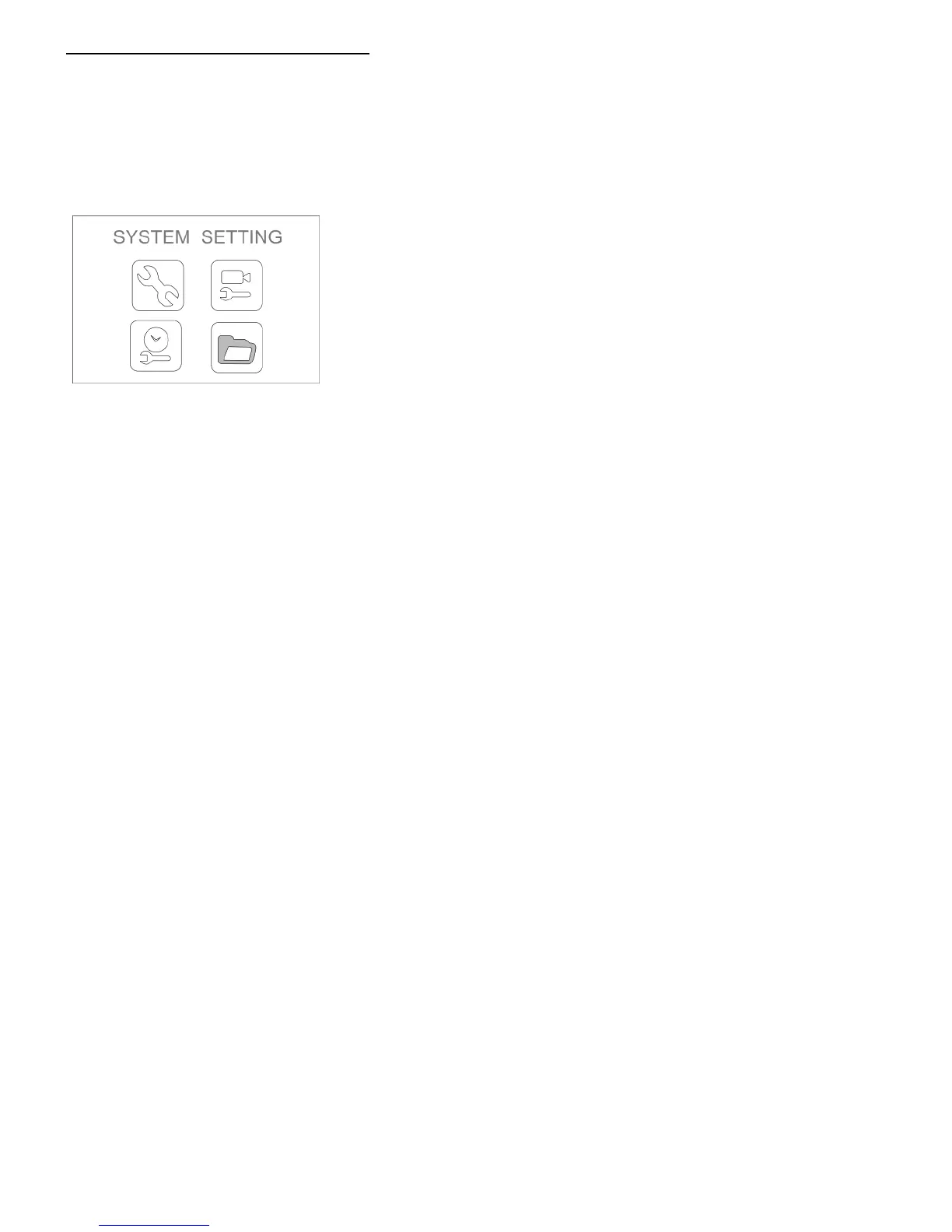
Setting menu will be showing up as below.
Press ‘▲’, ‘▼’ button to select and press ‘OK’ to confirm.
● Language setting
⇒Please go to page 36
● Video type setting
※ Normally, unnecessary to change from NTSC to another.
① Select ‘SYSTEM SETTING’ in setting menu.
② Select ‘Video System’
③ Select one from ‘NTSC’ and ‘PAL’ and press ‘OK’ to confirm
● Formatting
※ All data in SD card will be deleted after formatting
① Select ‘SYSTEM SETTING’ in setting menu.
② Select ‘Format’.
③ Choose ‘Yes’ to format MicroSD card.
● Initialize the config
※ All setting will be reset after initializing the config.
① Select ‘SYSTEM SETTING’ in setting menu.
② Choose ‘Default Setup’.
③ Select ‘Yes’ to initialize the config.



 To Next Page