17
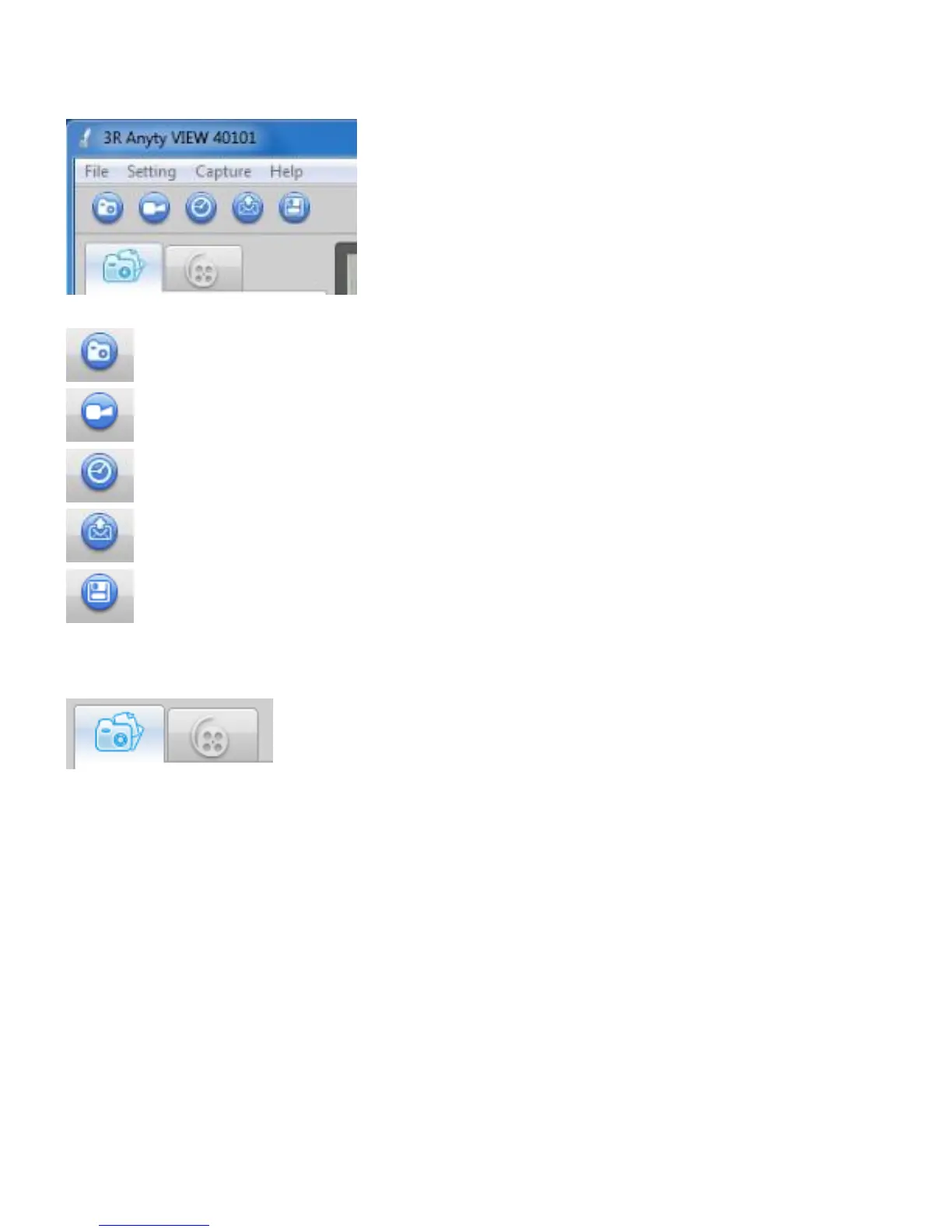
●About icons on Main Window
The icons in the image of below will be shown at upper side of Window. To understand name and function
of each icon, please look at images shown below
●Function of each icons
Photographing still picture
Filming/Stop
Continuous shooting of still picture
Attach to E-mail
Save
●Thumbnail of image and movie
Icon of summary of image/movie
Data of image and movie will be shown as thumbnail on left side of main window. Click the icons shown
above to switch between thumbnail of images and movies. Data of image/movie will be saved in ‘3R files’
in ‘My Document’ so you are able to browse those data through ‘Exploler’



 To Next Page