18
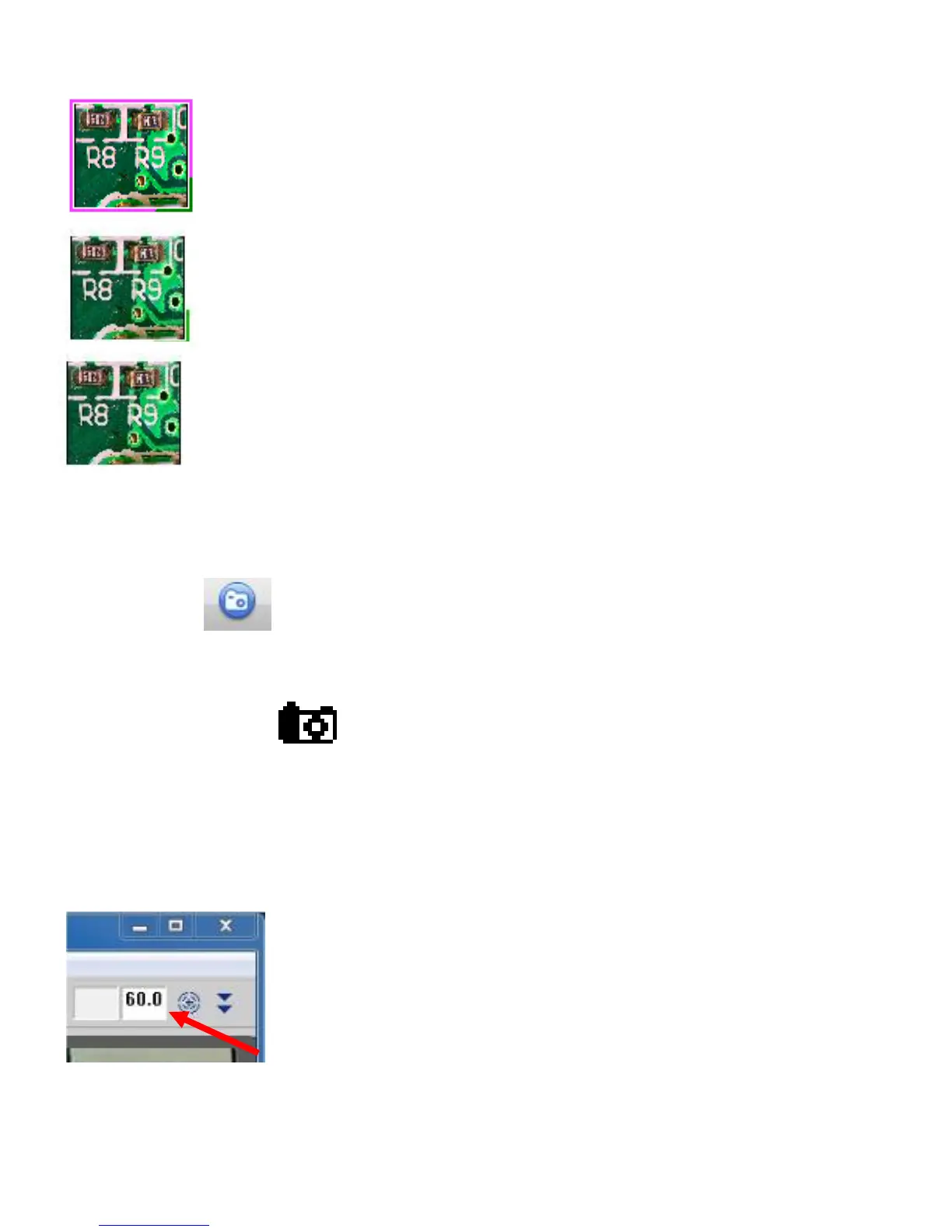
●Condition of thumbnail
The frames as shown below will be occurred according to its condition at the moment.
Thumbnail of selected at the moment.
~ Pink and Green frame
Saved thumbnail
~ Green frame at right down corner
The images saved in another file through using ‘Save’ icon
~ No frame
●Taking still picture
Three ways of taking still picture.
① Press icon on tool bar
② Press keyboard button F2
③ Press round button on Microscope
Image data will be saved in folder, ‘3R Files’ in ‘My Document’ as name of
Still pic_year-month-day hour minute second_(magnification)_number.bmp
Magnification will be the figure that you have entered in main window.
See scale Magnification dial to enter magnification.(→page 23)



 To Next Page