19
●Film movies
Two ways of film movies
① Press icon on tool bar
② Press keyboard button F3
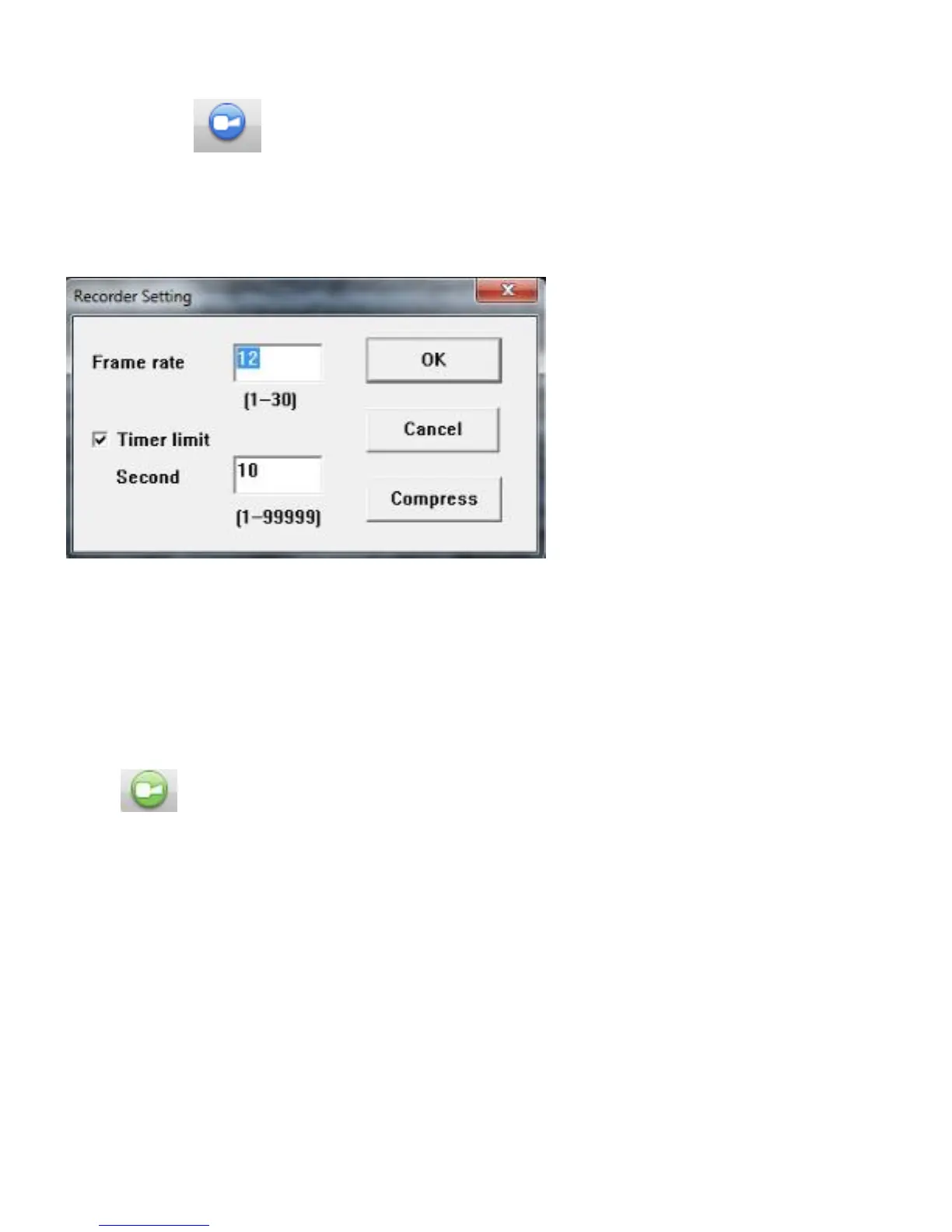
The setting window as below will be showing through two steps above. Set each option and press ‘OK’.
Filming will start.
Frame Rate(1~30)
To set how many images will be saved per second. Higher number will make quality of the movie higher
but size of data and load will be larger too. Normally, please use it under default condition.
(Reference Analogue TV: Approx 30 fps Movies on Mobile phone: 15~24fps)
Time limit
Check the box to set filming time (in seconds ) and stop filming automatically※
Click to start or stop filming manually. When stop filming, the data will be saved
automatically.
※Little error could be possible depend on condition or codec
Codec
You are able to choose different kind of codec (External Software) of movie to watch by PC. You might
need to install specific codec depend on your PC. Please go to ‘4 Common Fix(→page 49)’to see how
to install the codec.



 To Next Page