36
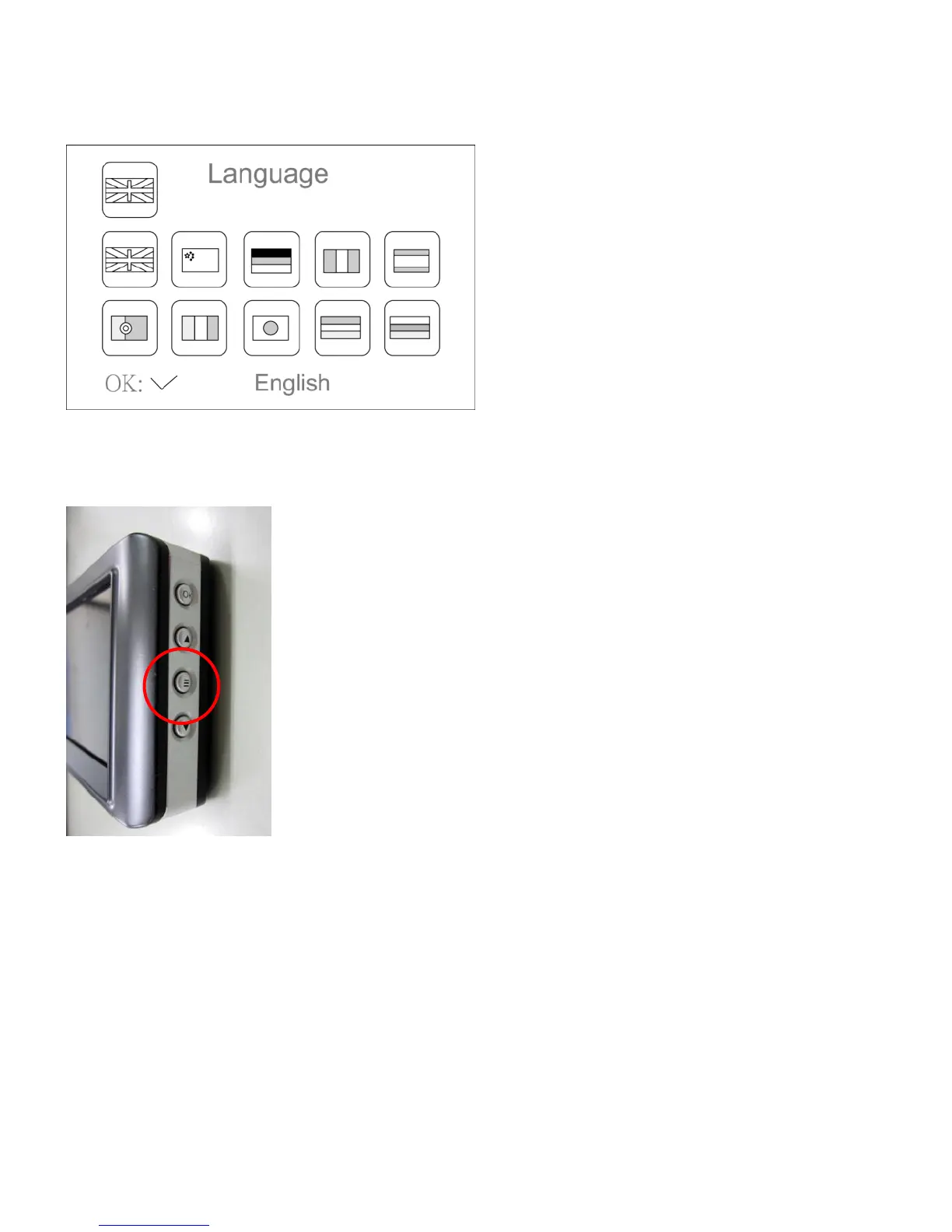
■ Language setting
※This manual is based on English.
【Steps】
① Press button(≡) for about 2 seconds and release in condition of power on.
② Setting menu will be displayed
Select ‘SYSTEM SETTING’ with ▲, ▼ button and press ‘OK’ to confirm.
③Each setting will be displayed
Select ‘Language’ with ‘▲’, ‘▼’ button and press ‘OK’ to confirm.
④The language will be set
Select ‘English’ with ‘▲’, ‘▼’ button and press ‘OK’ to confirm
⑤Press(≡)button 3 times to back to main screen
That is all about language setting.



 To Next Page