N8072 Cube Network Camera 2 Megapixel + H.264
- 36 -
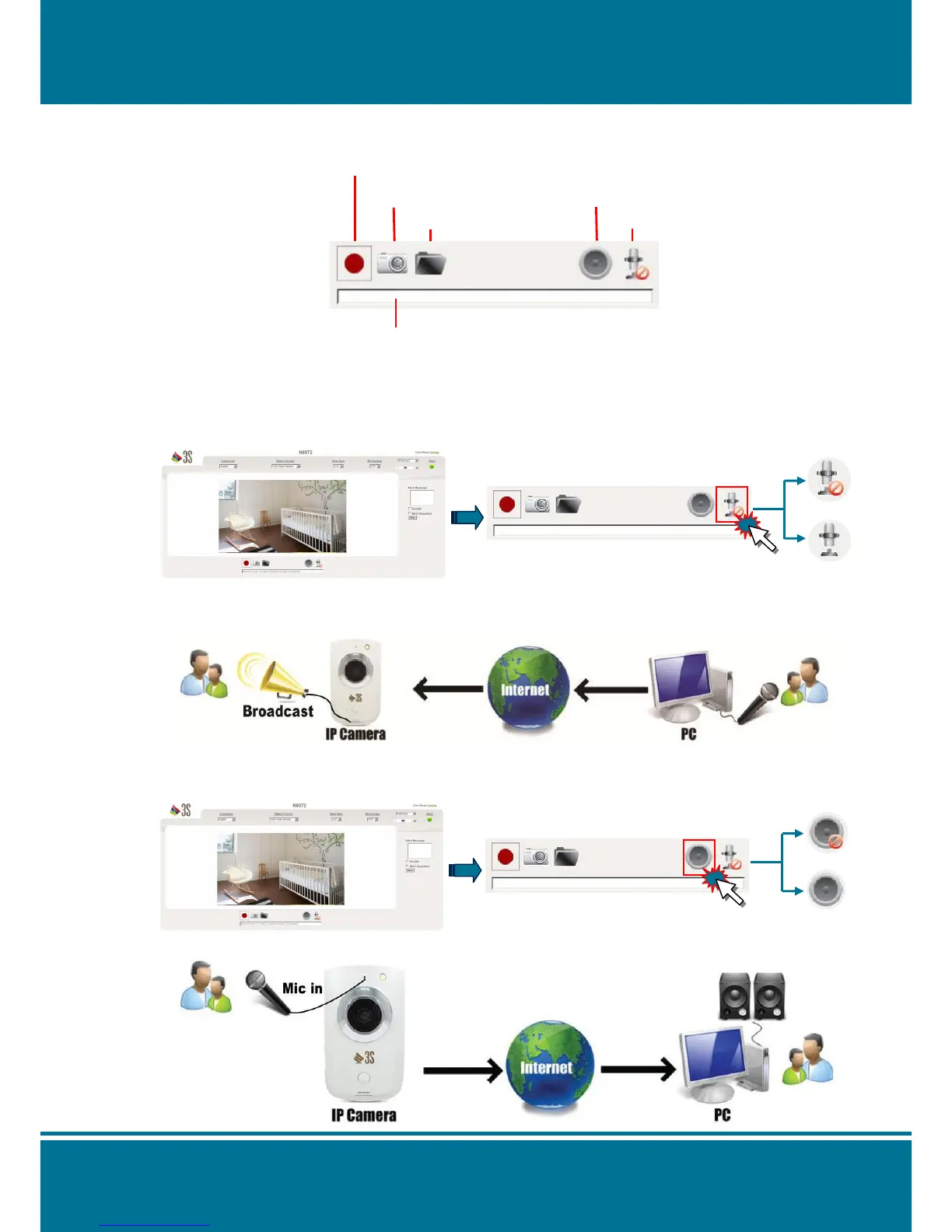
Shortcut Bar
Enable/Disable the application function from Shortcut Bar.
Microphone
Click the thumbnail of the Microphone on the shortcut bar to enable/disable it (one-way
audio).
Transmit the voice into the N8072 Cube Network Camera by using the PC’s microphone.
Buzzer
Click the thumbnail of the Buzzer on the shortcut bar to enable/disable it (one-way audio).
It can receive the voice of the microphone from the N8072 Cube Network Camera.



 To Next Page