N8072 Cube Network Camera 2 Megapixel + H.264
- 75 -
Trigger
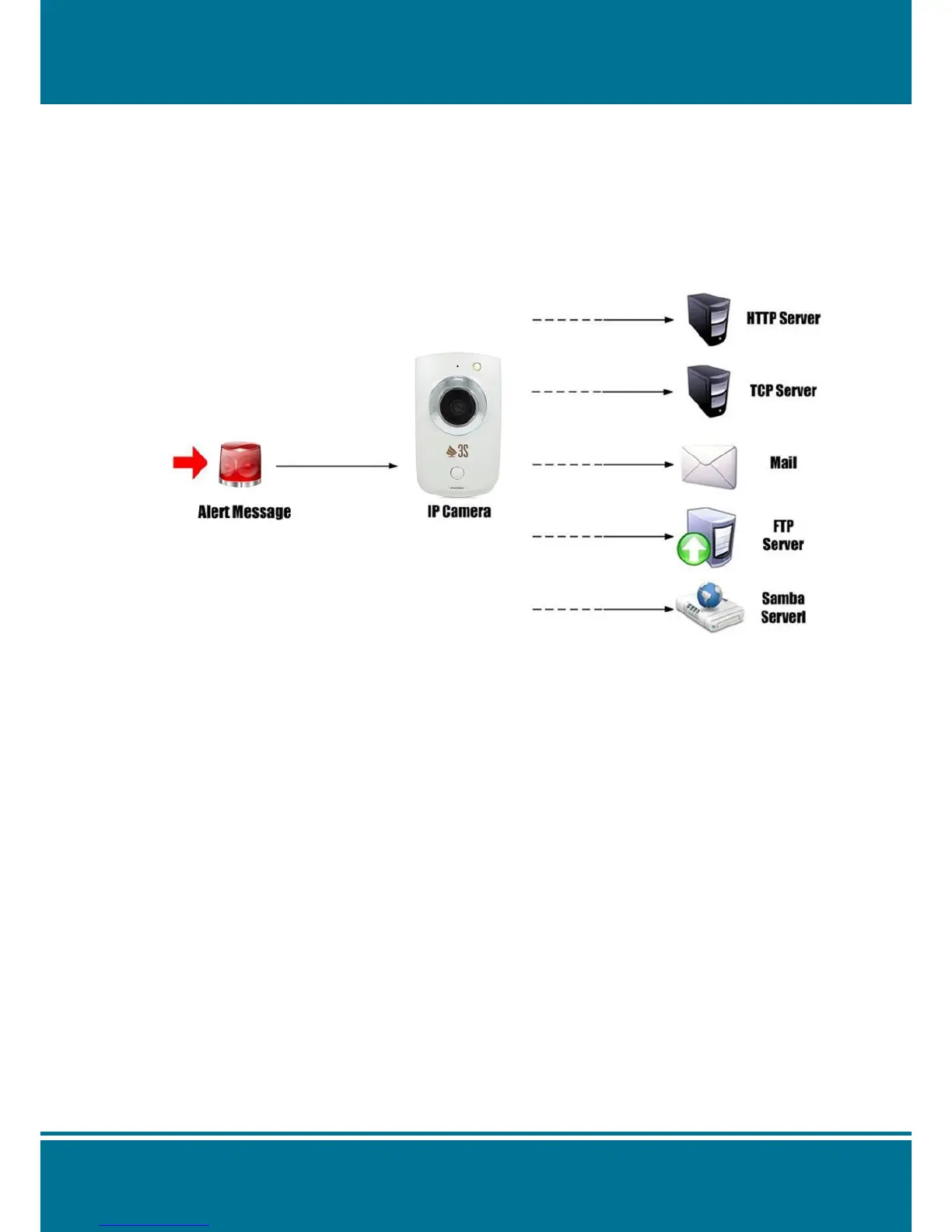
Whenever the camera detected abnormal events during the scheduled time, it will
respond by active trigger automatically.
There are 2 types for the trigger response: Alarm messages sending and emailing.
Recorded the image to the specify server.
Once you had completed this setting, you may requested to test by manually in this
section to ensure all of the functions are working properly.
Normal Open has been set to the default status of the digital input pin, but you can
change it to Normal Ground by setting in Setting > Application > Event > Trigger.
1. It will be Open status of the alarm input pin which is connected to external device when
the alarm input has been set to Normal Open. Therefore, when the external device is
triggered to close status, the alarm input pin will be triggered.
2. On the contrary, It will be Close status of the alarm input in which is connected to
external device when the alarm input pin has been set to Normal Grounded.
Therefore, when the external device is triggered to open status, the alarm input pin will
be triggered.
NOTE:
Before you install the hardware for alarm I/O, please set up the Trigger Setting at first.
(Setting > Application Setting > Event > Trigger)



 To Next Page