N8072 Cube Network Camera 2 Megapixel + H.264
- 98 -
How to check if the DDNS service is successful?
1. If you can not connect the IP devices through the domain name, which you have set up,
you can test the DDNS service on your PC.
2. Please open the “command mode” from “Start Menu”.
Start Menu > Program > Accessories > Command mode
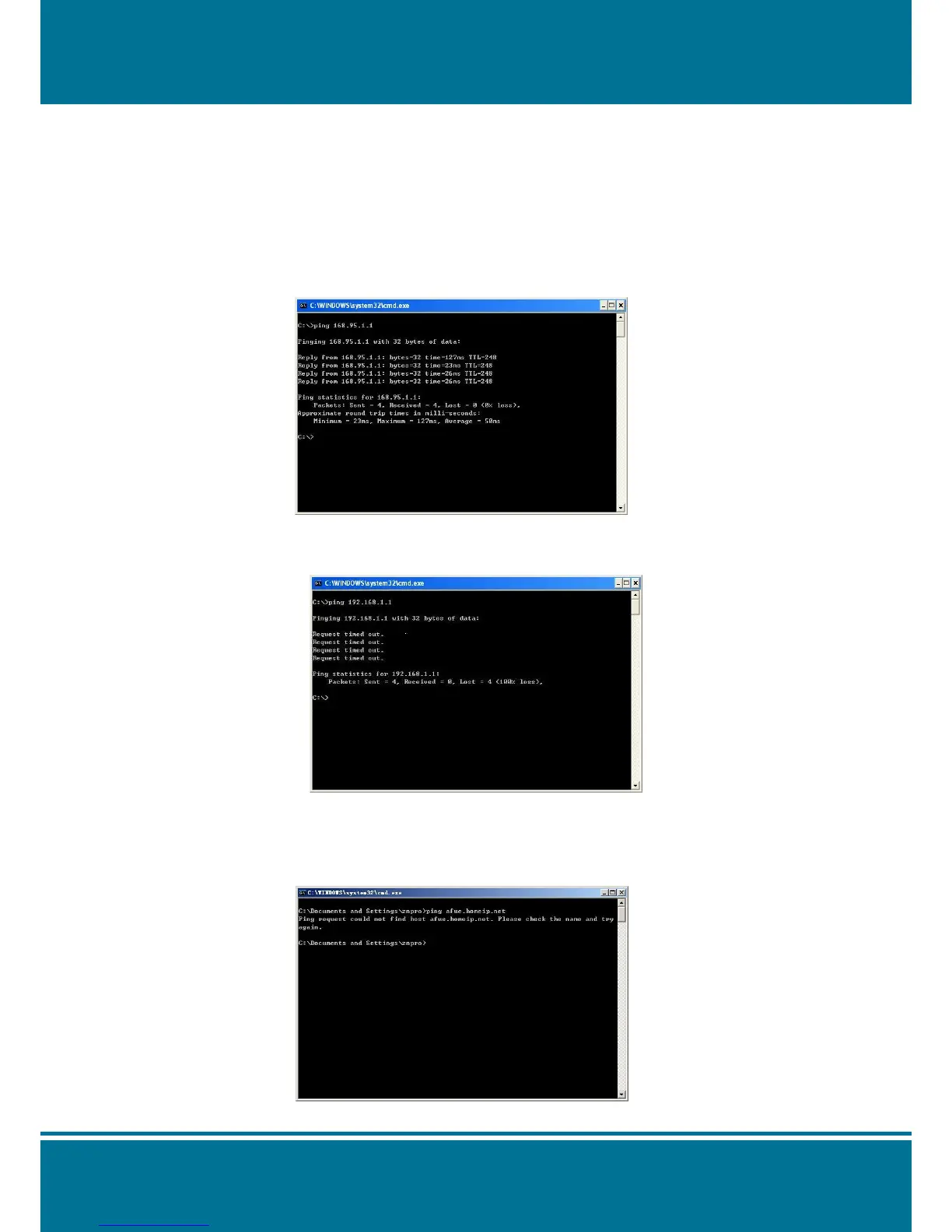
3. Input the command: c:\>ping (Your domain name e.g. www.IP Camera.com) [ENTER].
If the command mode displays “Reply from ……….” On the screen, then your DDNS is
working correctly.
4. If the command mode displays “timed out”. Then your DDNS is not working. Please
double check your account information is entered correctly.
5. If the command mode displays “Ping request could not find host…”. Then you need to
re-visit DDNS website to confirm all the required information is correctly filled in.
Alternatively, you can set up another account with start



 To Next Page