N8072 Cube Network Camera 2 Megapixel + H.264
- 99 -
Mobile Application
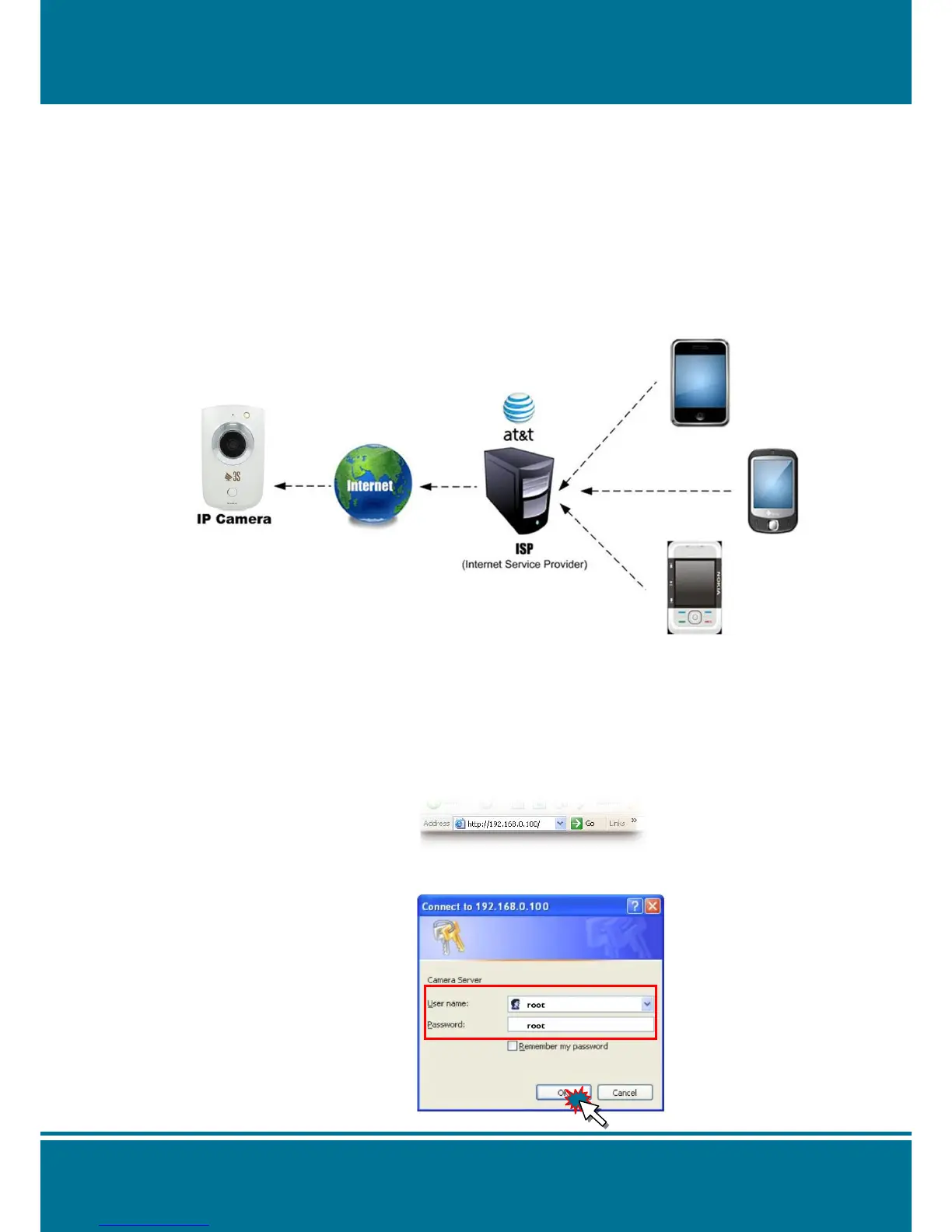
Our Video server can support the 3GPP(RTSP) connection through the mobile phone. Please
check your ISP to provide the mobile networking service which working on your mobile phone
first. And modify the setting of Video server to enable the application. Please see the detail
illustration as below:
NOTE:
The 3GPP, which meaning the compression format, is not the same 3G. You can use the
2.5G/3G to connect to Internet through ISP.
Step1: Make sure the Video server is alive on Internet (WAN Environment)
Try to remote connect Video server via public IP. If you use the Router, please check
the Port Setting of your camera and the Virtual Server Setting of Router.
Step2: Check your Video server setting
Open the web browser then input the IP address from the video server.
Input the user name & password to Login.



 To Next Page