N8072 Cube Network Camera 2 Megapixel + H.264
- 42 -
Basic Setting
The Basic Setting menu lets you view the Basic Setting for N8072 Cube Network Camera and
change the following setting:
System System
System Log
Video Image Video
PreProc/Overlay
Sensor
Audio
User
Network Network Setting
Wireless Setting
Services
Stream Setting
PPPoE
DDNS
UPnP
SMTP
SAMBA
Notification
Multicast
Date/Time
IP Filtering
Storage
System
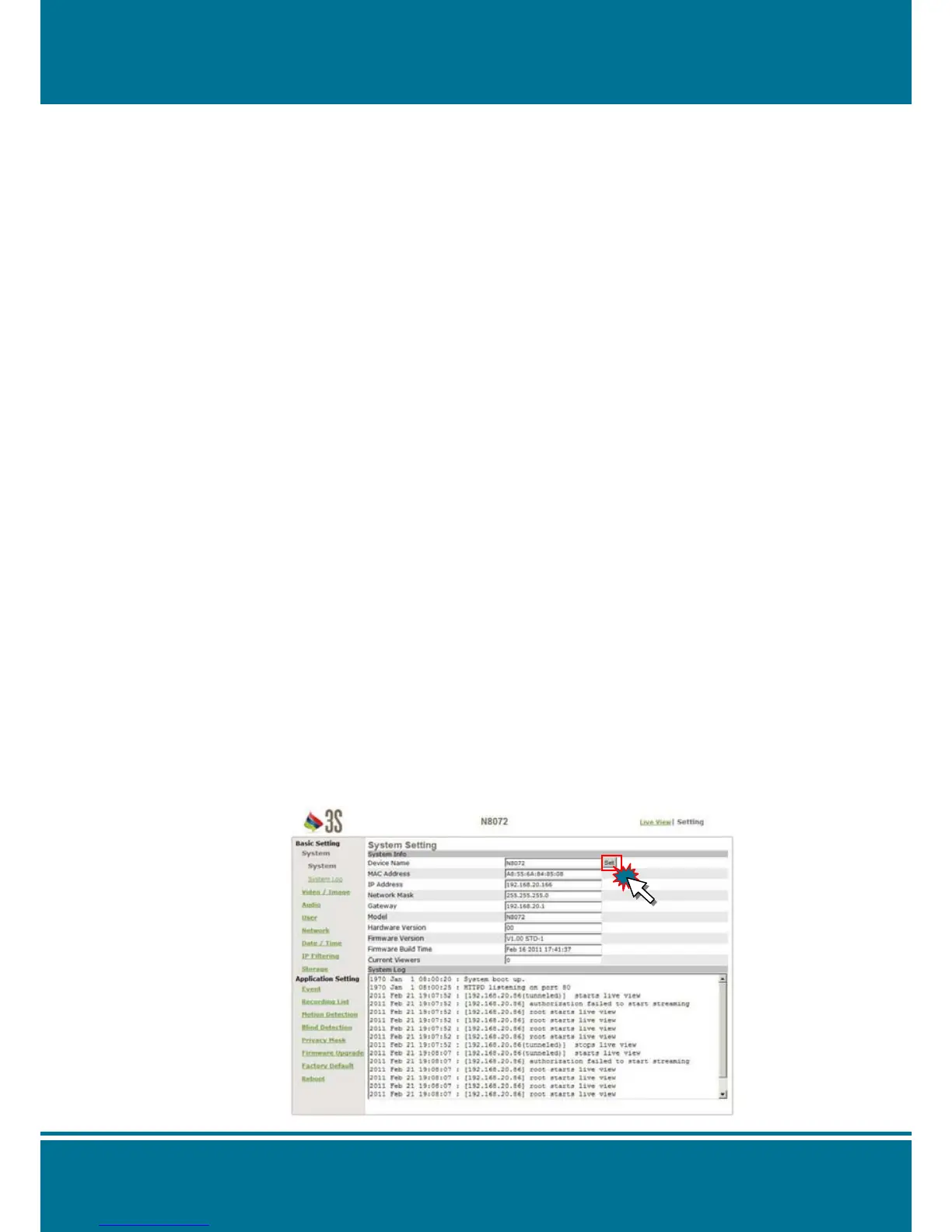
System Setting
Device Name: Give the name of your camera here. Complete the setting by Click Set.
MAC Address, IP Address, Network Mask, and Gateway: Network information
Model: Display the product model name.
Hardware Version, Firmware Version and Firmware Build time: Firmware information.
Current Viewers: The number of viewers who are currently accessing the video stream.



 To Next Page