Installing the Hardware
20 3ware 9000 Series Serial ATA RAID Controller Installation Guide
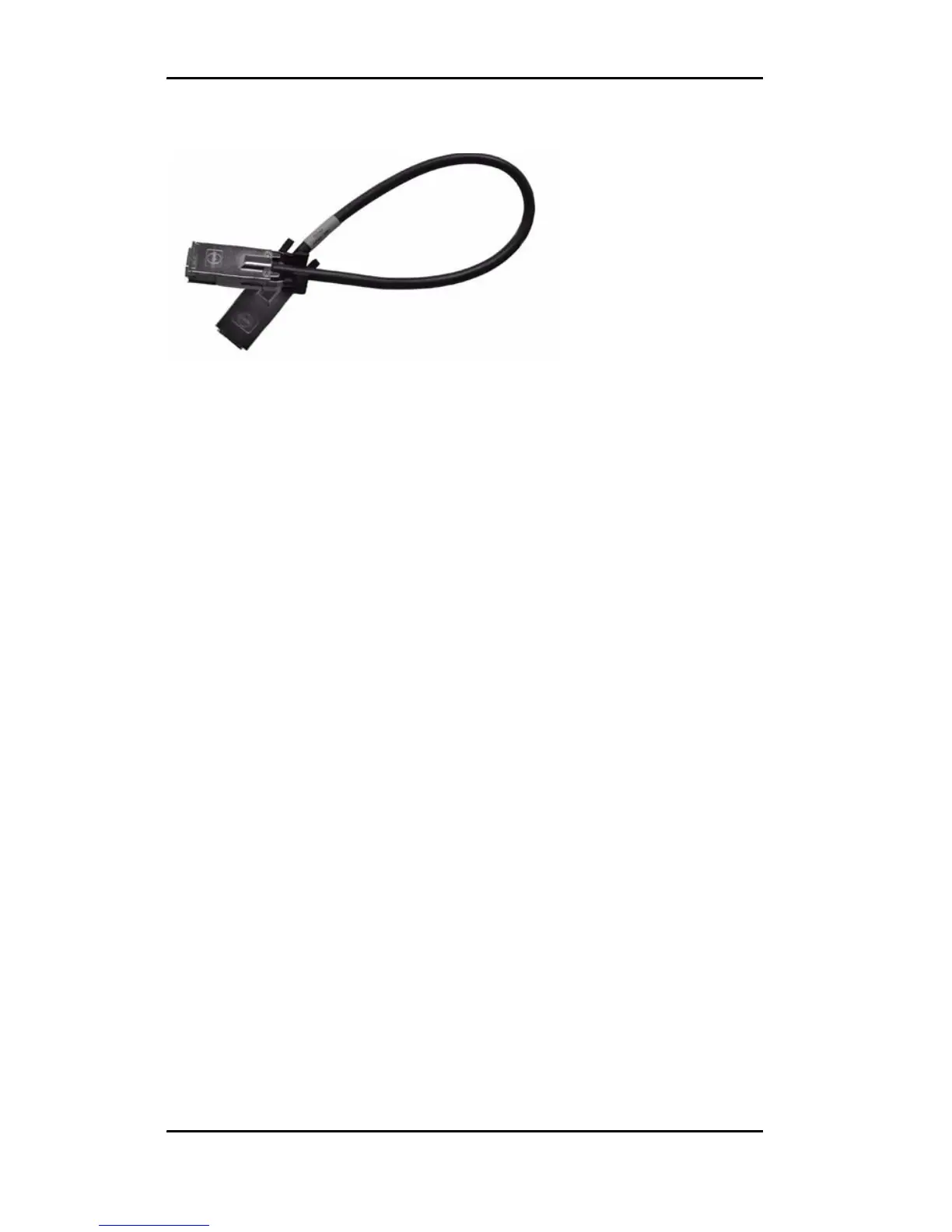
Figure 6. Multi-lane Cable (InfiniBand 4x, SFF-8470)
For use with a backplane that has individual SATA connectors
or individual serial ATA drives, use the break-out cable, which
has a multi-lane connector on one end, and four individual
SATA connectors on the other end.
To connect the multi-lane cables
Depending on the model of the controller and the number of drives
you will be connecting, you will connect two or three multi-lane
cables. Each cable supports up to four serial ATA ports.
1 Connect each interface cable to a multi-lane connector on the
controller. See
Figure 5.
When the cable is inserted correctly, you will feel it click into
place.
2 If your enclosure has a backplane, connect the other end of each
interface cable to the backplane.
If you are using a standard enclosure, connect each of the
individual SATA connectors to a drive.



 To Next Page