Configuring Units
46 3ware 9000 Series Serial ATA RAID Controller Installation Guide
Depending on the RAID configuration you are creating,
initialization of the unit may begin immediately. For details, see
“Initializing Units” on page 49.
Specifying a Hot Spare
You can designate one of the Available Drives as a hot spare in
3BM. If a hot spare is specified and a redundant unit degrades, an
event notification will be generated. The hot spare will
automatically replace the failed drive without user intervention.
To specify a hot spare
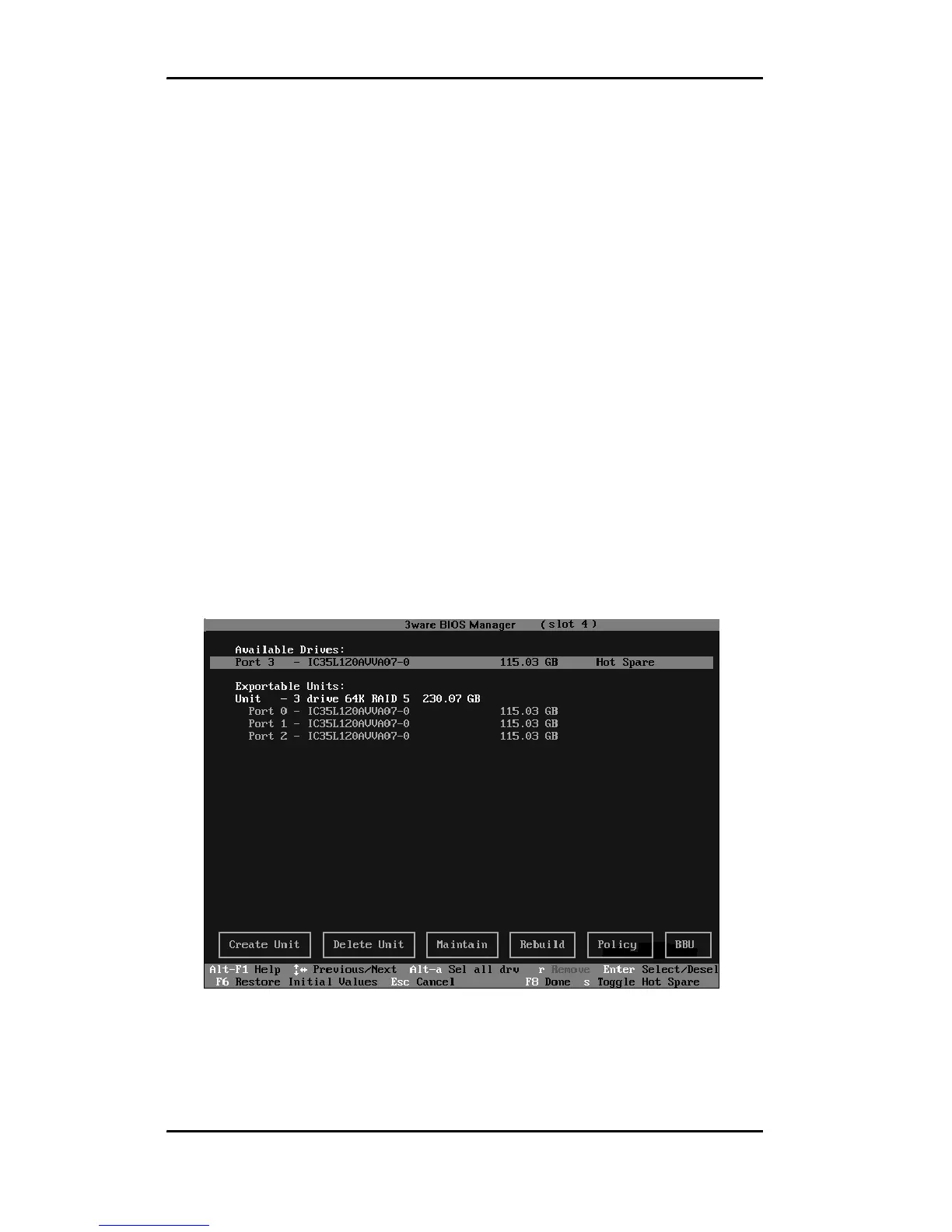
1 In the list of Available Drives, highlight the drive to use.
2Type s to specify that the selected drive will be the hot spare.
You’ll see the words “Hot Spare” appear next to the drive in the
Available Drives list.
Figure 16. Hot Spare Indicated



 To Next Page